

Screening turns a PDF, or the sheets of an imposition layout, into the files a computer-to-plate (CTP) platesetter images: one 1-bit TIFF per separation and page, already screened into dots. You choose the screens, the plate curves and the file conventions once in a profile, check every plate in the viewer down to single dots, and download the files for your platesetter or its hot folder.
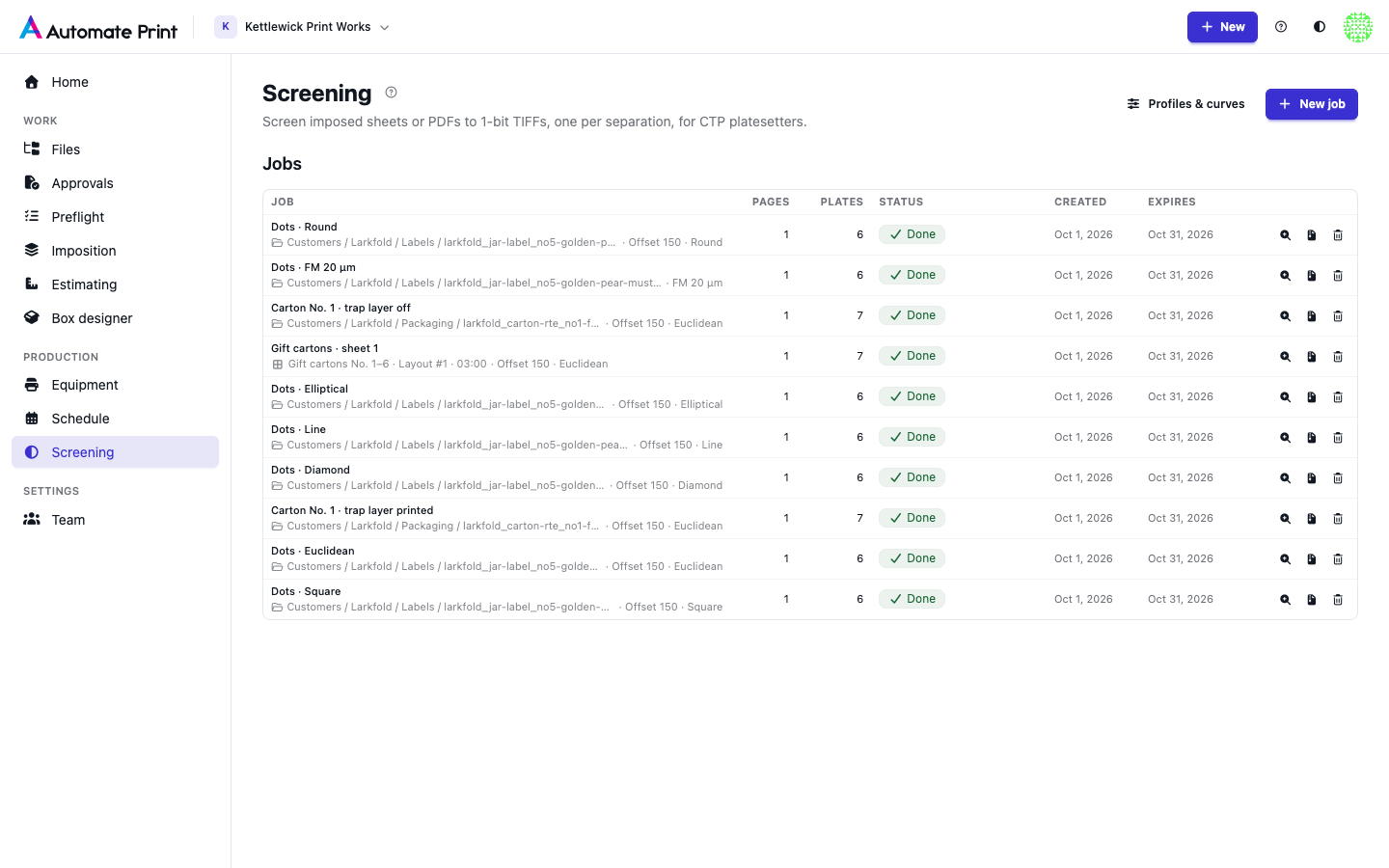
Open Screening from the sidebar. The page lists your team's latest 50 screening jobs, and New job starts one.
When to use 1-bit TIFFs#
Most platesetters take either a PDF, which their own RIP screens, or 1-bit TIFFs that are already screened. Use Screening when you want the second:
- your platesetter or plate workflow takes 1-bit TIFFs (many CTP devices and flexo plate imagers do);
- you want the same screens, curves and file names for every job, whatever the RIP at the plate room;
- you want to see exactly what goes on each plate, dot for dot, before a plate is made.
If your printer or plate room screens PDFs itself, send it the imposed PDF instead (see Exports).
From a file to plates#
- Create a job. Upload a PDF, choose one from Files, or pick an imposition layout and its sheets, then a profile. The app keeps its own copy of the pages and checks them: which separations each page really uses, how much ink, transparency, fonts. See Sources: PDFs, Files and imposition sheets.
- Check the separations and output. Every separation the file uses is listed with the screen the profile gives it. Change a screen, a curve or the role of a spot ink for this job only. See Screens per separation and Output settings.
- Fix the checks. Errors, such as a ruling too fine for the resolution, block the job until you fix them; warnings and notes only inform. See Screening checks and warnings.
- Screen plates. The job runs in the background; you can leave the page. See Running a screening job.
- Inspect. The plate viewer shows the screened plates at up to 16 screen pixels per device pixel, with a loupe, a densitometer, a screen analyser and misregistration and moiré checks.
- Download each plate, a page or the whole job as a ZIP, with a report of every setting and file. See Downloads and the screening report.
Your own systems can create, configure and screen jobs, and manage profiles, devices and curves, through the Screening API.
What a job makes#
For every page (or imposed sheet) and every separation you output, one TIFF:
- 1 bit per pixel, at the job's resolution (600 to 5,080 dpi; 2,400 by default);
- screened with the separation's screen: AM (dots of varying size at a ruling and angle), FM (stochastic dots of one size) or solid;
- passed through the separation's plate curve (tone, press compensation, limits, plate linearisation);
- positive or negative, right-reading or mirrored, compressed as the profile or the platesetter says;
- named from a template, such as
Postcard_A_P01_Cyan.tif.
Technical inks such as die lines are never output and never knock out the plates underneath (see Screening profiles and devices).
Words used on these pages#
- Separation
- One ink of the page: Cyan, Magenta, Yellow, Black, or a spot ink such as PMS 185 C. Each separation you output becomes one plate file per page.
- Screen
- How a separation's tints become dots: the type (AM, FM or solid), and for AM the ruling in lines per inch (lpi), the angle and the dot shape.
- Resolution (dpi)
- Device pixels per inch of the platesetter. One device pixel is one bit of the TIFF.
- Plate curve
- The mapping from the tint in the file to the dot on the plate, per separation. See Plate curves.
- Profile
- Your reusable setup: screens per separation, curves, output conventions and devices. See Screening profiles and devices.
More terms are in the Glossary.