

Shapes interlock when you let them turn
Choose rotation settings that balance material use with your artwork and grain requirements.
Impose, mark & cut
True shapes pack on sheets, rolls and conveyor beds. You choose the angles, and every layout is checked for overlaps, spacing, beds and keep-outs before it's shown.
From Shop
Today
With AutomatePrint
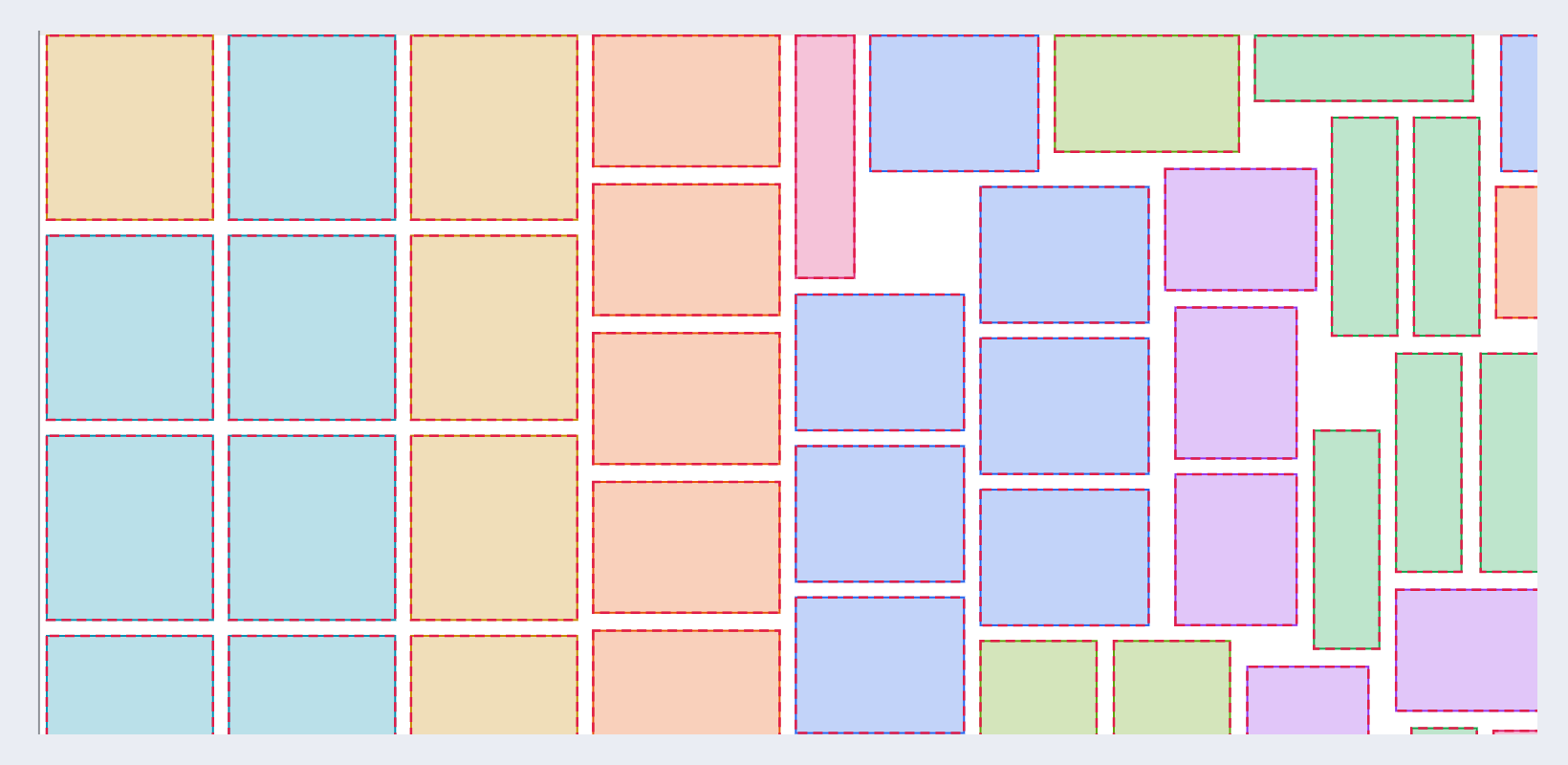
Today: Shapes are nested as rectangles, wasting the corners.
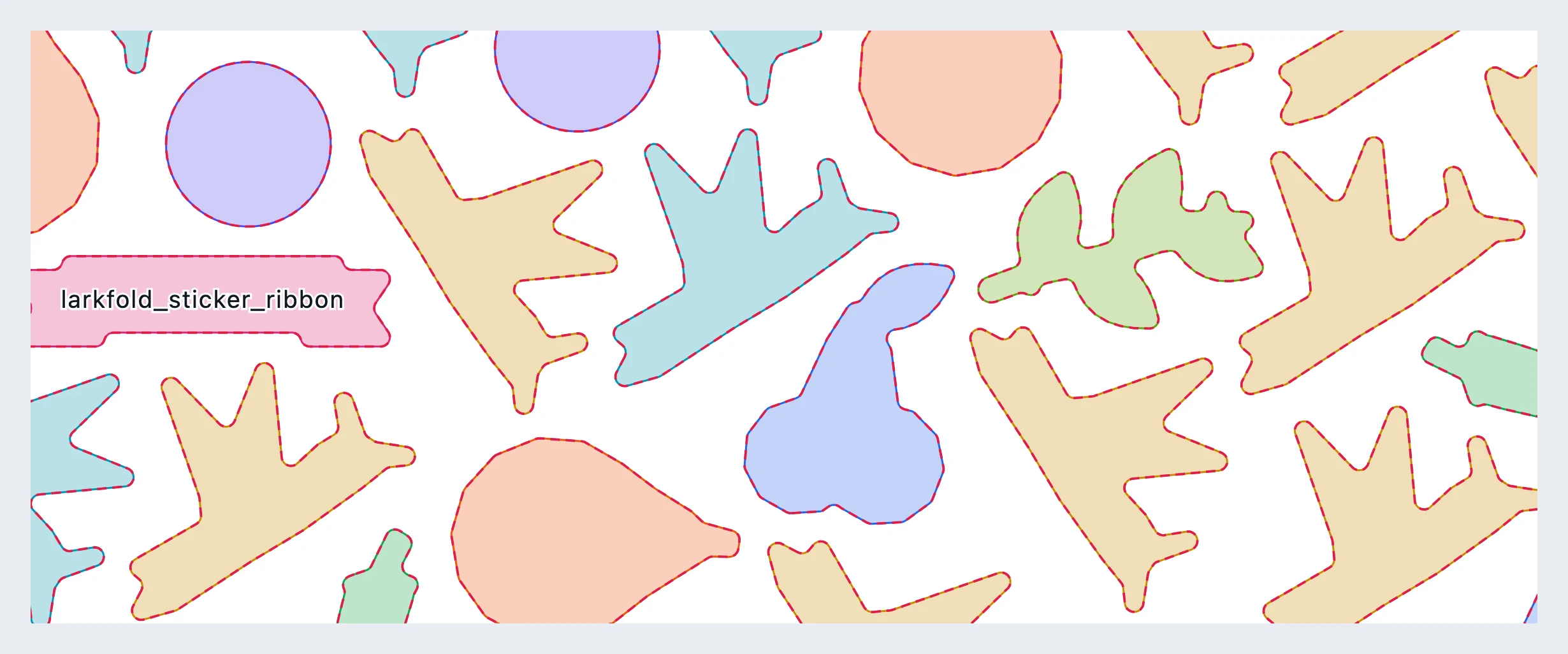
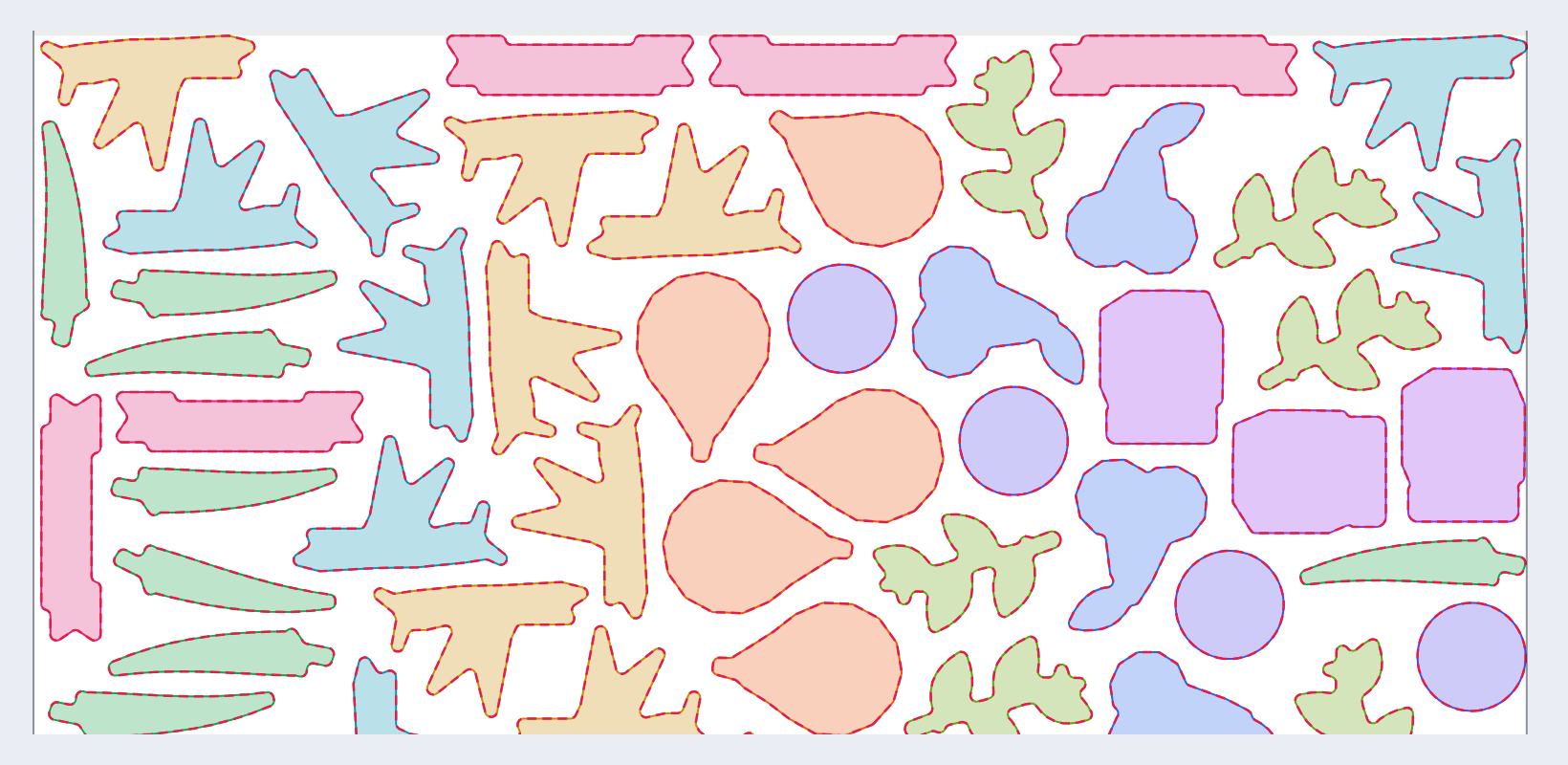
With AutomatePrint: True shapes interlock at the angles that fit.
Today: A piece crosses a bed boundary and has to be split at the cutter.
With AutomatePrint: Parts stay within one bed, or span on purpose, with keep-out bands between beds.
Today: Registration marks get covered by a part.
With AutomatePrint: Marks reserve their space before nesting.
From an imposition job, a quote's roll nest or the API: outlines, quantities and the angles allowed.
Find efficient layouts that respect the material, quantities and production settings you choose.
Every layout is checked for overlaps, spacing and the printable area. One that fails is never shown.
Choose rotation settings that balance material use with your artwork and grain requirements.
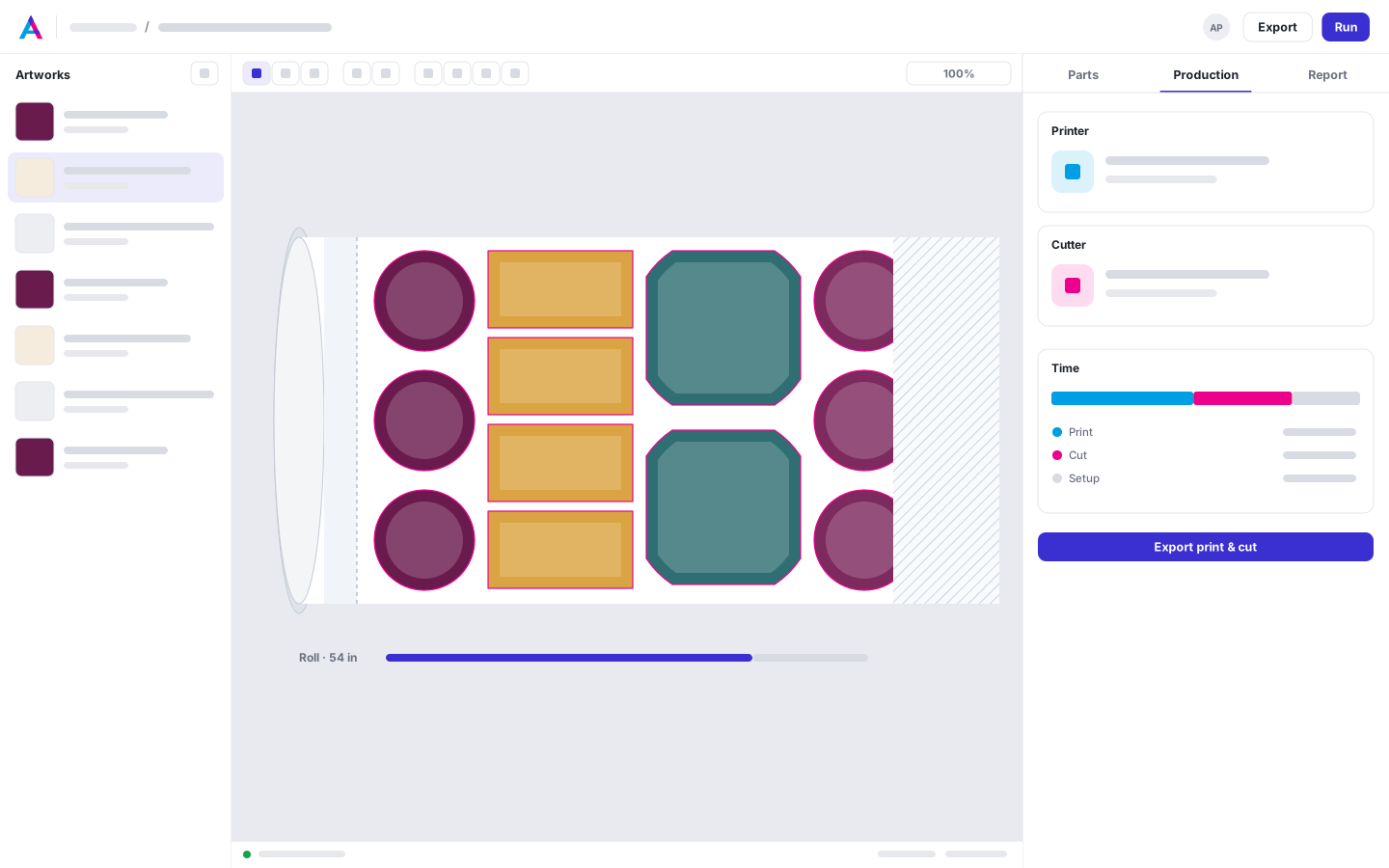
Keep every part within one bed, with an empty band at each boundary, or let parts span for the shortest roll.
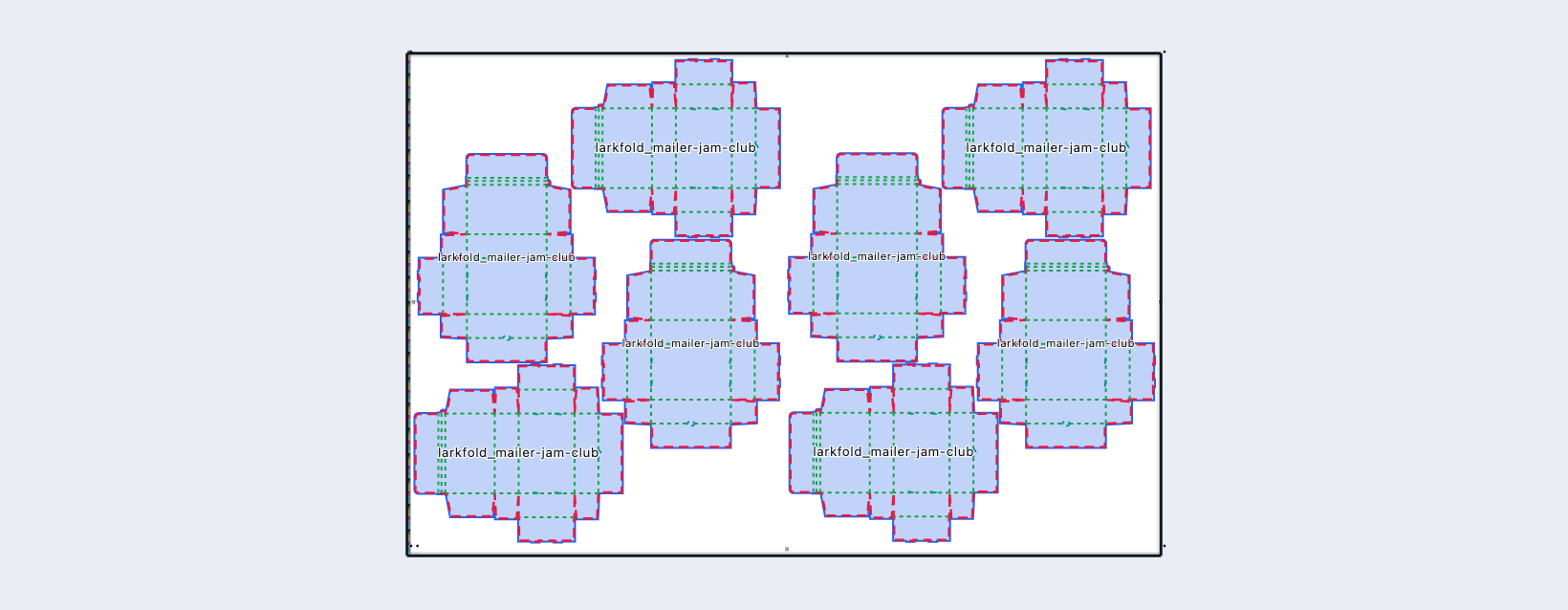
Registration marks and cutter codes reserve their space before the nest, so no part covers them.
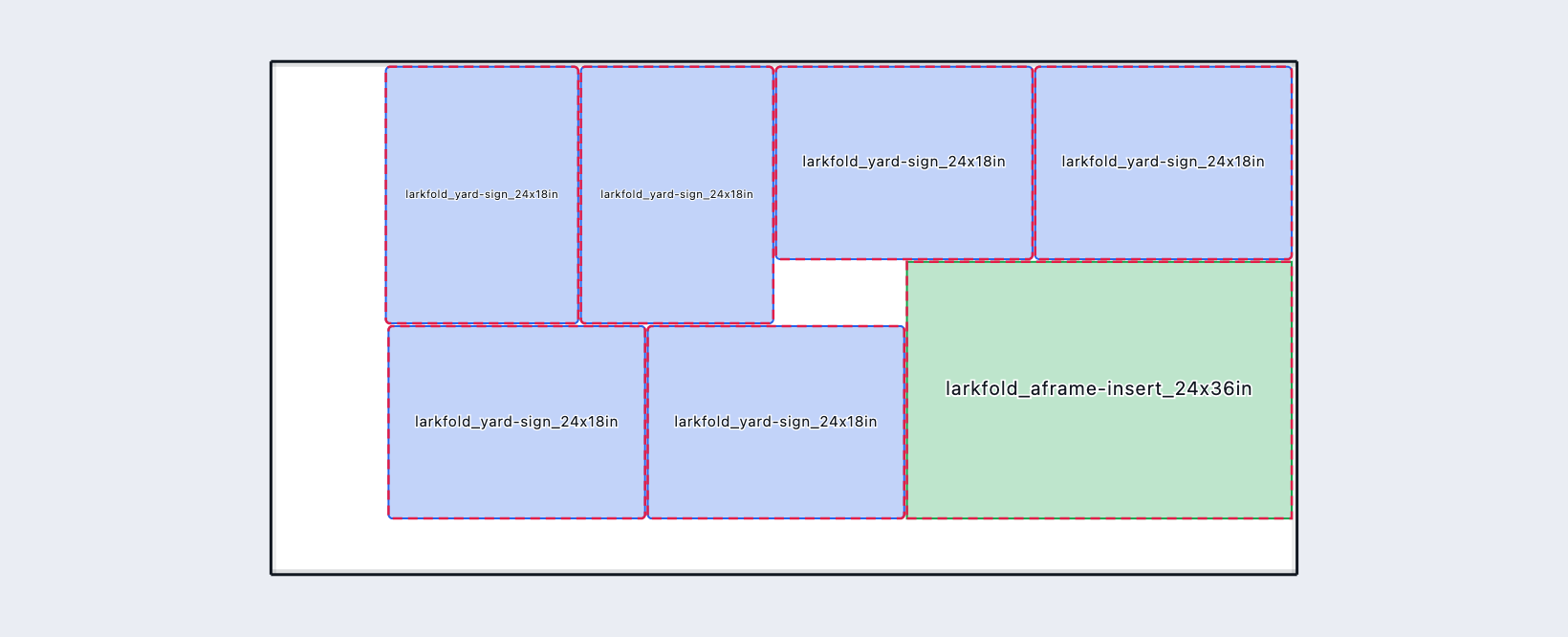
Yard signs and A-frame inserts on a 4 × 8 ft board, nested and cut like any sheet.
Compare sheet counts and material use before choosing your layout. Each layout is checked for overlaps, spacing and sheet boundaries.
Read the docs: NestingEvaluating nesting resultsRolls, beds and lanes
| Capability | Free | Shop | Production | Plant |
|---|---|---|---|---|
| Imposition and true-shape nesting runs, fair use | Not included | 500 a month | Unlimited | Unlimited |
Nests inside quotes don't count as runs.
FAQ
Anything else? Email hello@automateprint.com and a person who knows print will answer.
No. Parts are nested by their outer outline, and holes inside a part are left empty.
Any angle lets each piece turn to fit the sheet. You can also keep quarter turns only, or type your own angles.
You choose how long a run may search, from 1 to 600 seconds. The default is 30. The best layout found so far is kept.
No. Imposition runs and nests through the API count; nests inside quotes don't.
Yes, through the nesting API on Production and Plant.
Start free, with 14 days of every Production feature. No card, and your customers review for free.
Allow Google Analytics cookies to measure visits to our public website? Your team workspace and private proofs are excluded. Essential cookies always stay on. Privacy policy