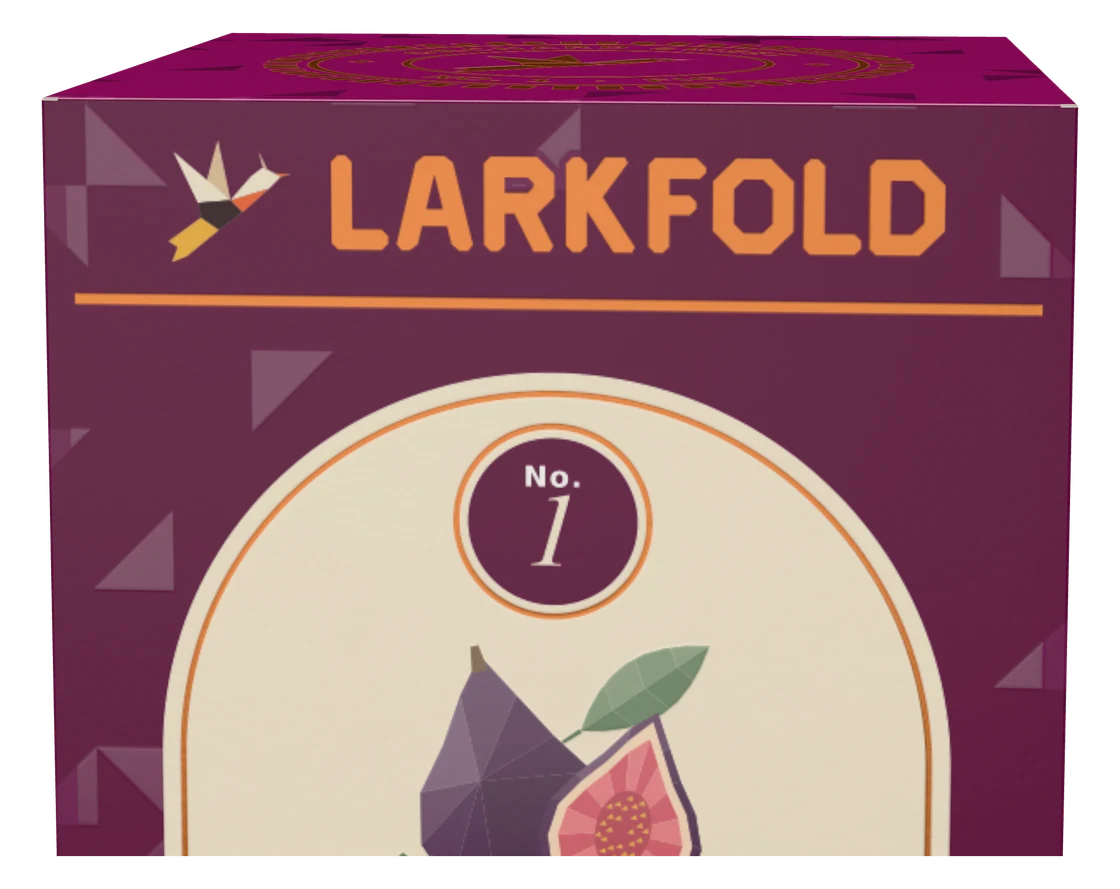
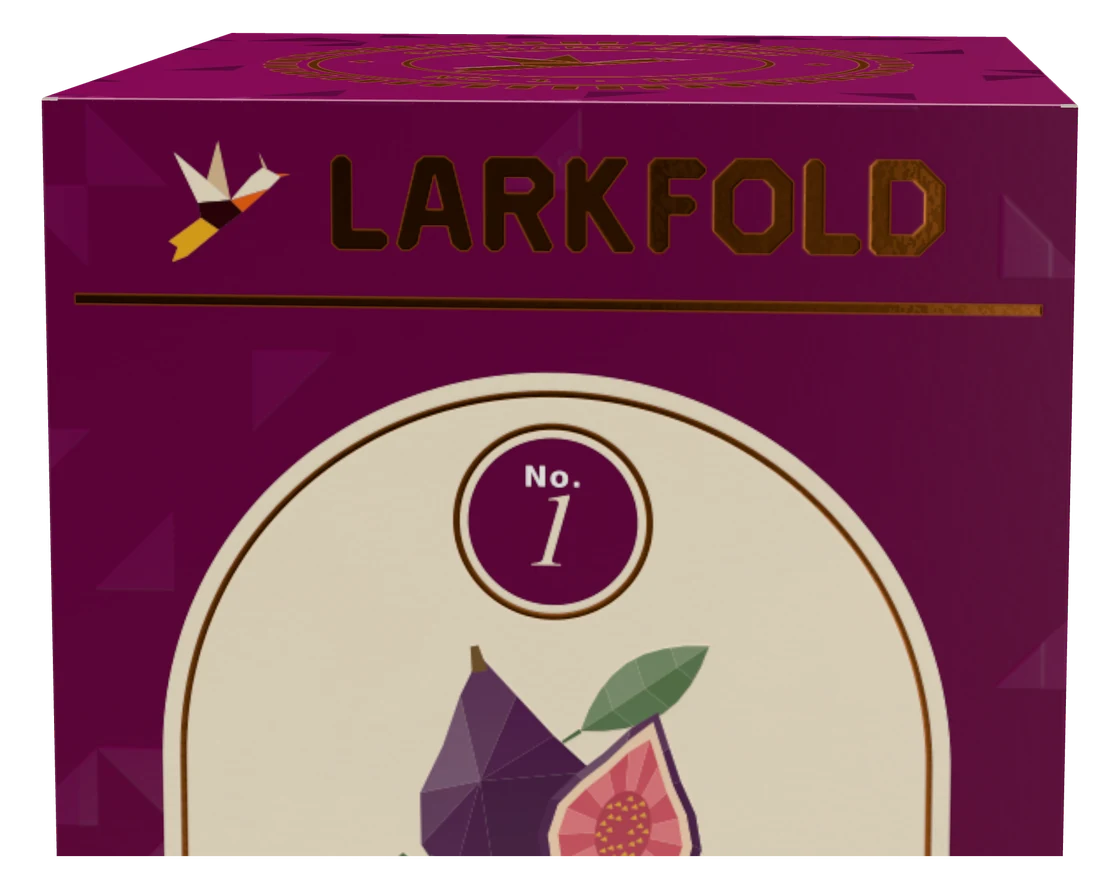
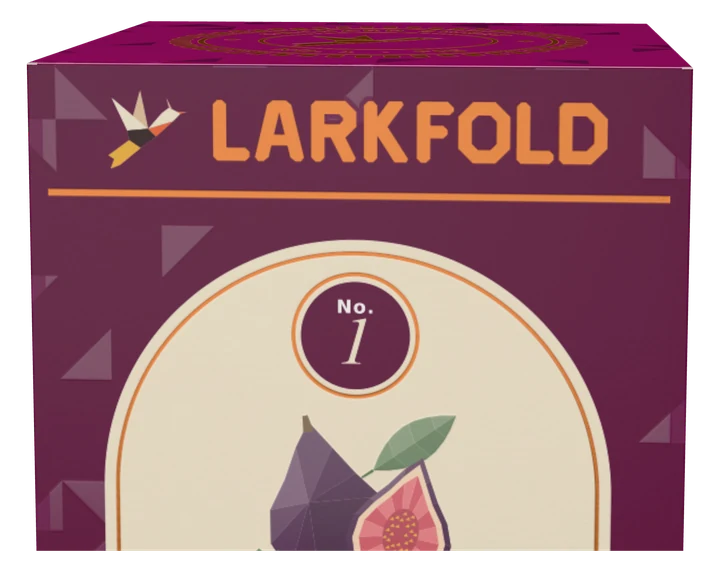
Copper foil
Foil-Copper plate → copper foil
Proof & approve
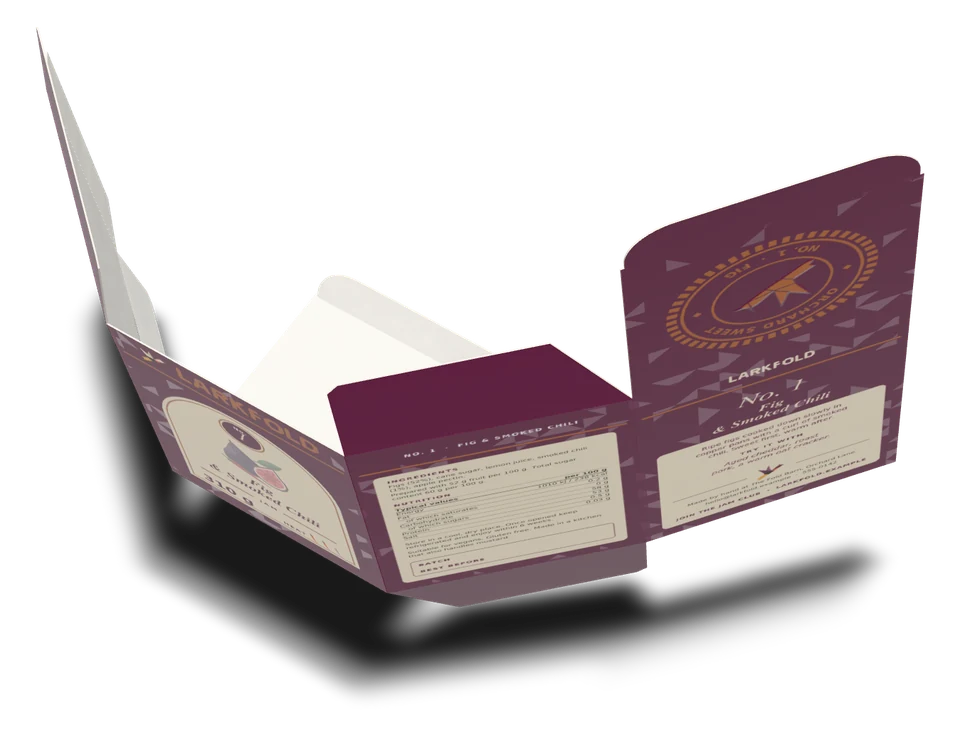
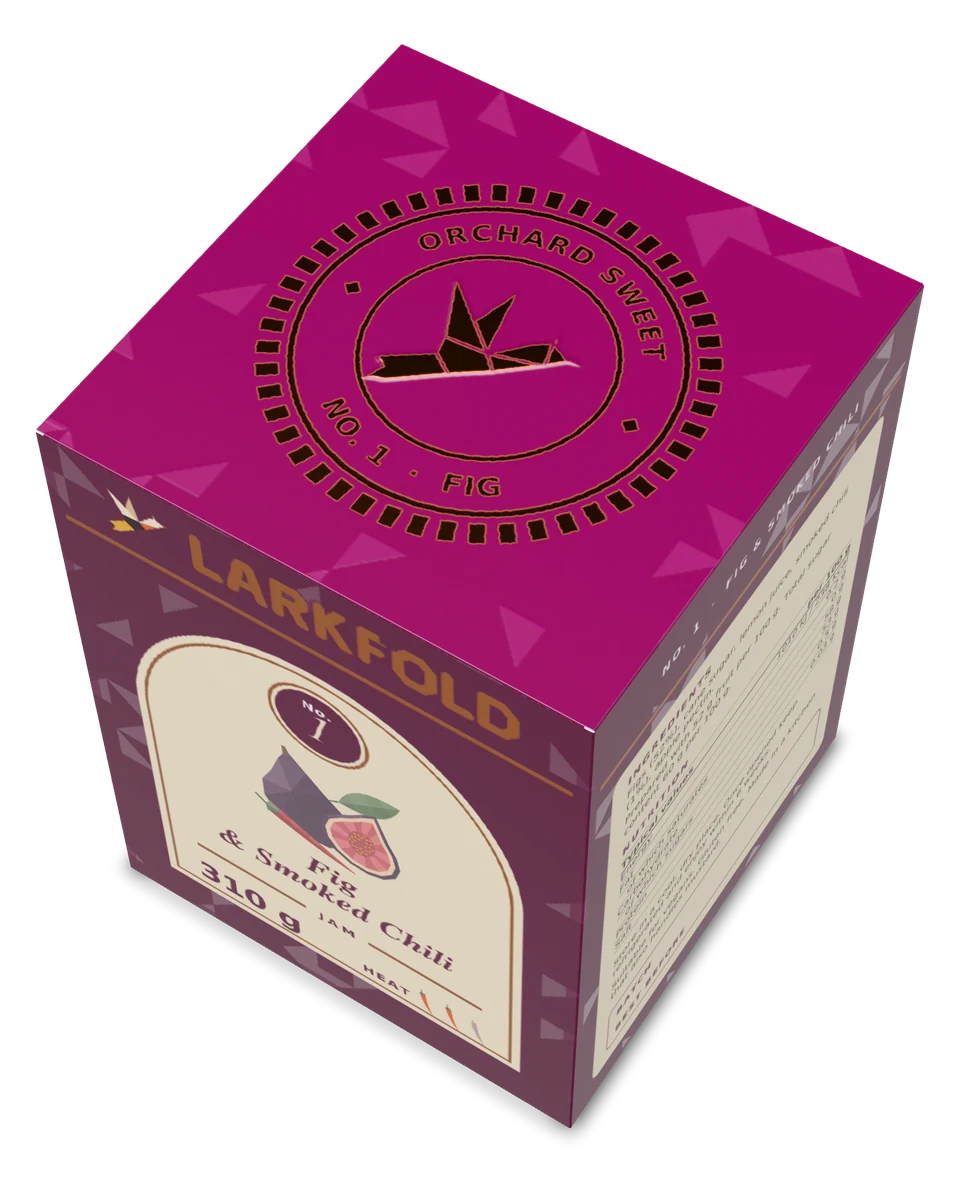
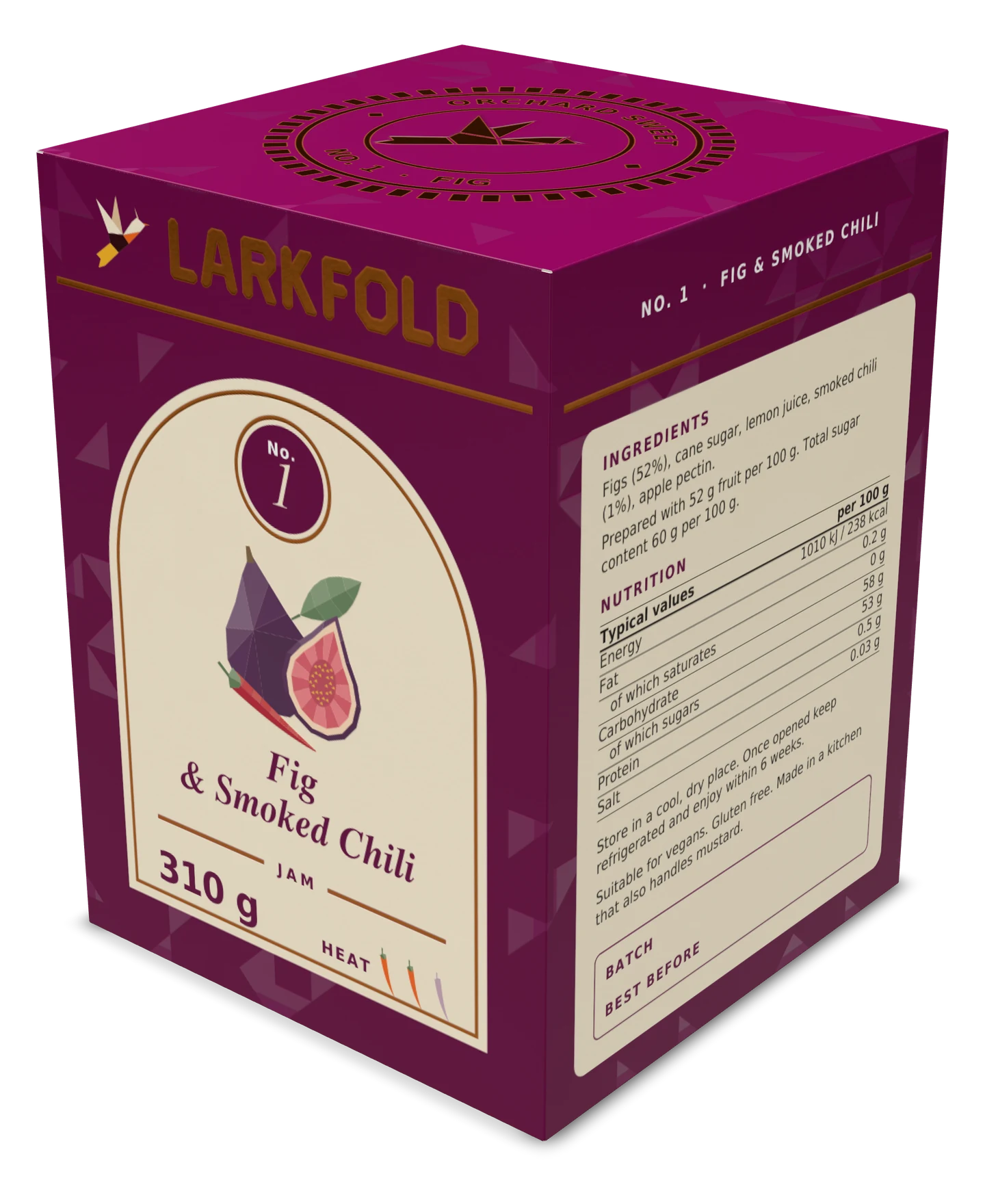
The carton folds from its own dieline and creases, on the board you print on. Map spot plates to finishes and the foil catches the light, spot UV glints on matte stock and the emboss casts a shadow — then share it as a 3D proof your customer can turn and approve.
On every plan
Today
With AutomatePrint
Today: Customers approve a flat PDF and are surprised by the box.
With AutomatePrint: They turn the folded carton, open the lid and approve what will ship.
Today: Mockups come from a separate 3D tool and a separate seat.
With AutomatePrint: 3D is a tab in the 1-up editor, on the same file you print.
Today: Foil and spot UV are a note in an email.
With AutomatePrint: Finishes come from the spot plates in the file.
The die comes from the file's spot colors, the Box designer or Create a die.
Each spot plate becomes foil, spot UV, varnish, emboss or white ink; the light and the fold are yours.
Send a 3D proof behind the same link as the flat one, or download a PNG or a GLB.
Try the 3D viewer: drag a carton to turn it and inspect its finishes.
Foil is metal pressed into the board, so it lights up as the light moves. The plum ink around it stays matte.
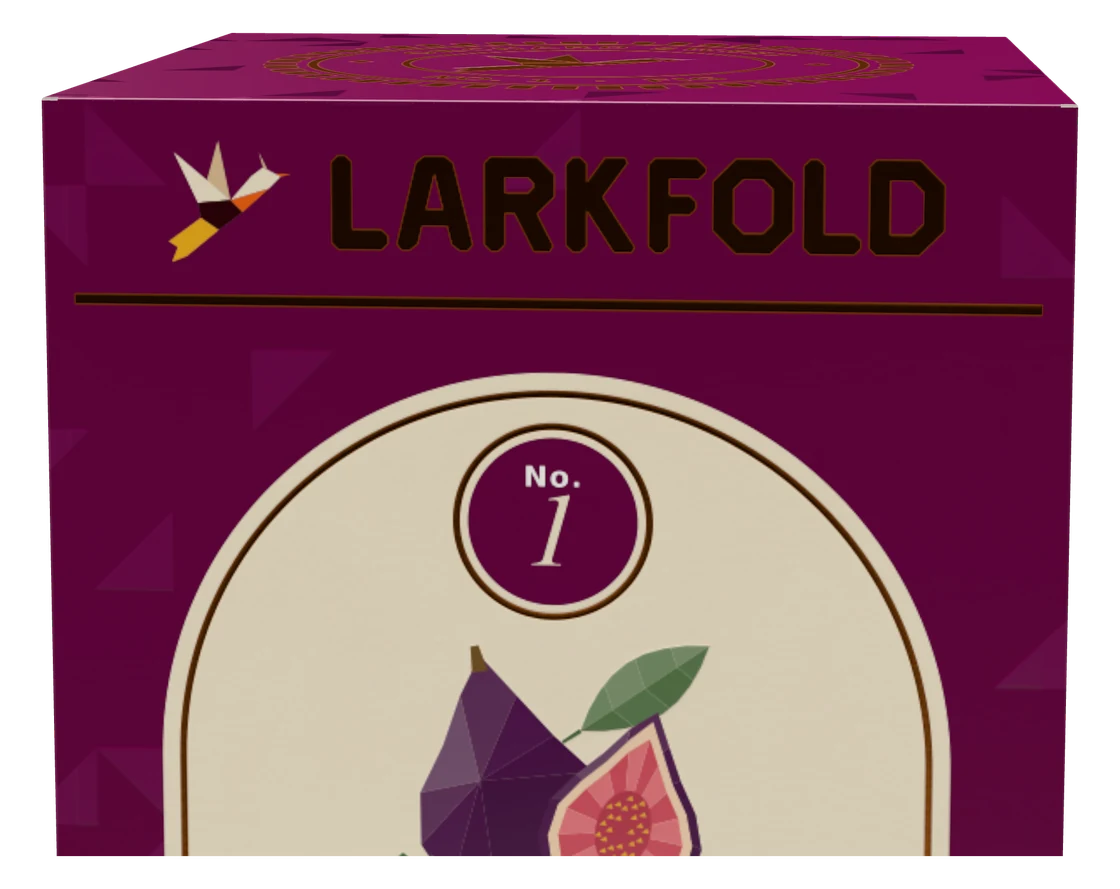
Map each spot plate to a finish; the editor suggests one from the plate's name.
Foil-Copper plate → copper foil

Spot-UV-Varnish plate → raised spot UV on matte

Emboss plate → the lark raised inside the seal
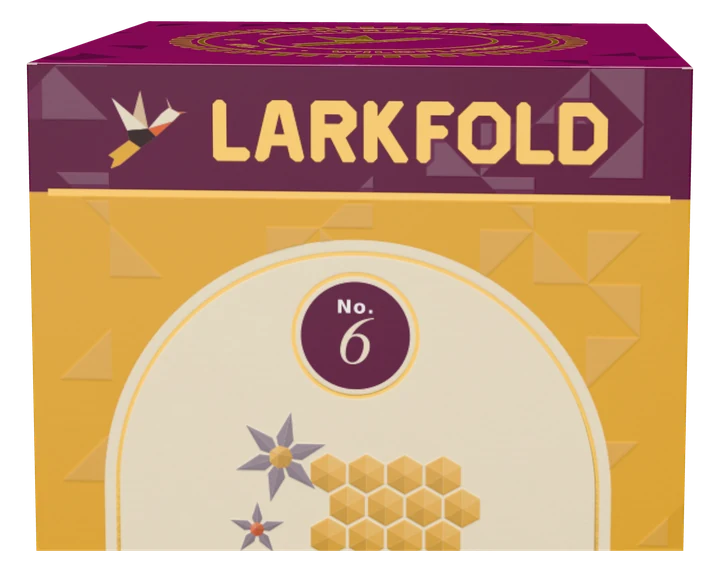
Foil-Gold plate → gold foil on No. 6
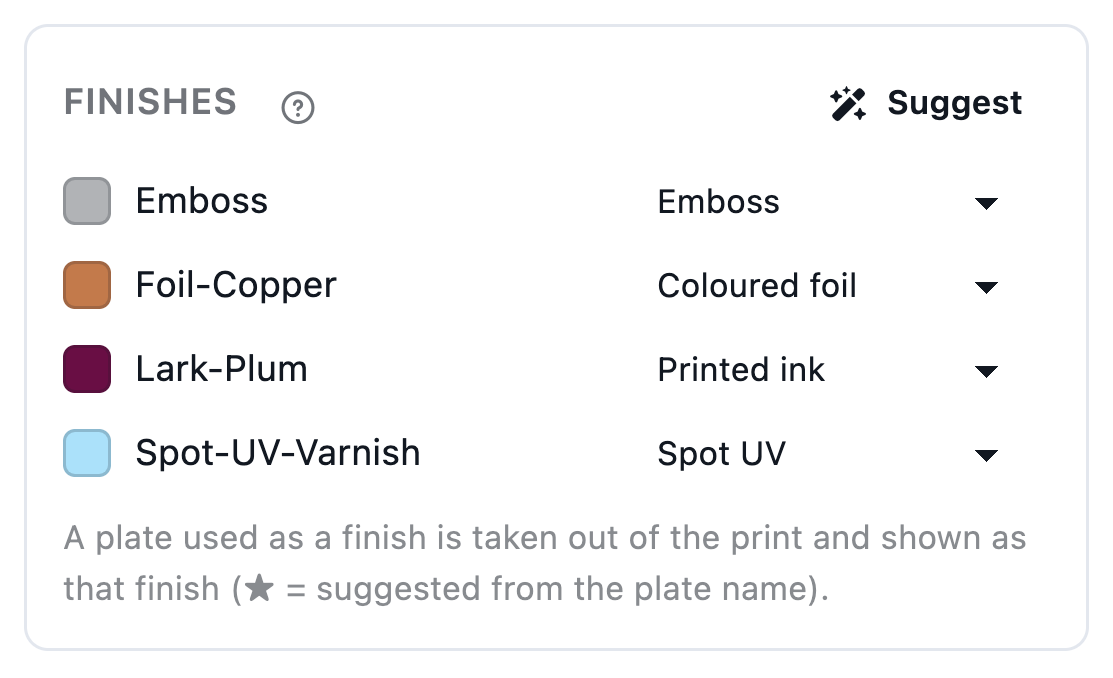
Each spot plate gets a finish; Suggest picks them from the plate names.
The same carton on six boards — then a kraft mailer printed over a white underlay with its inside from page 2, and a clear label that stays clear wherever there's no white ink.
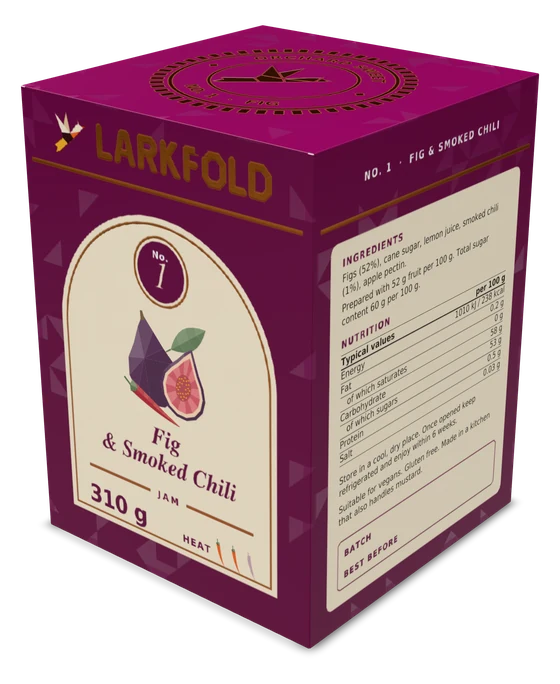
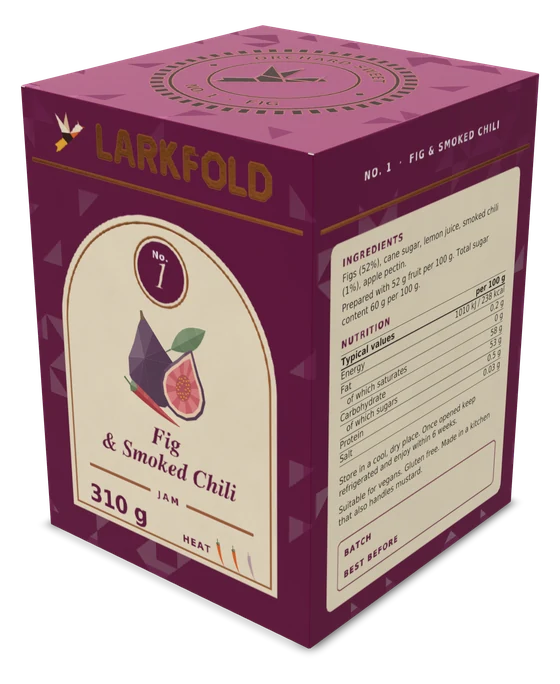
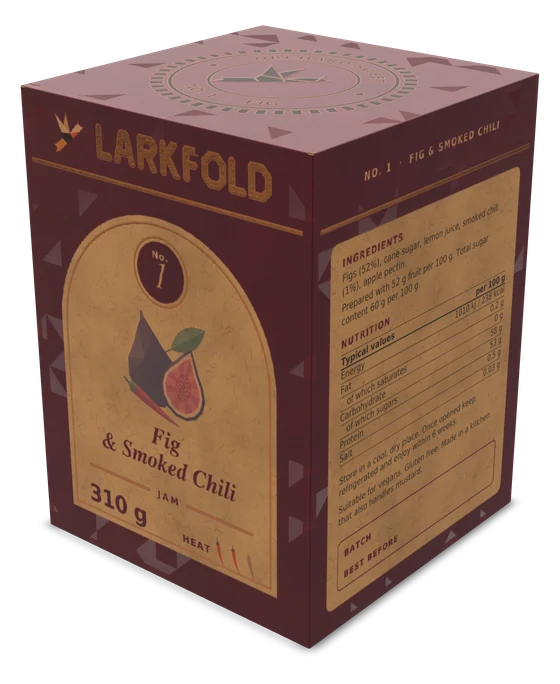
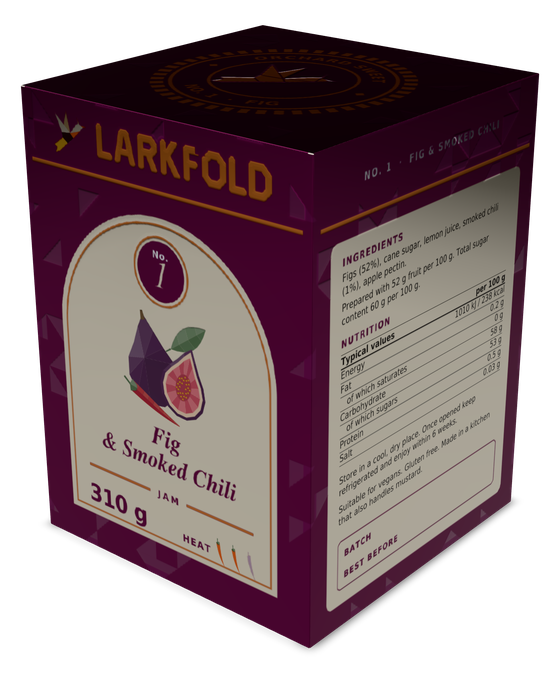
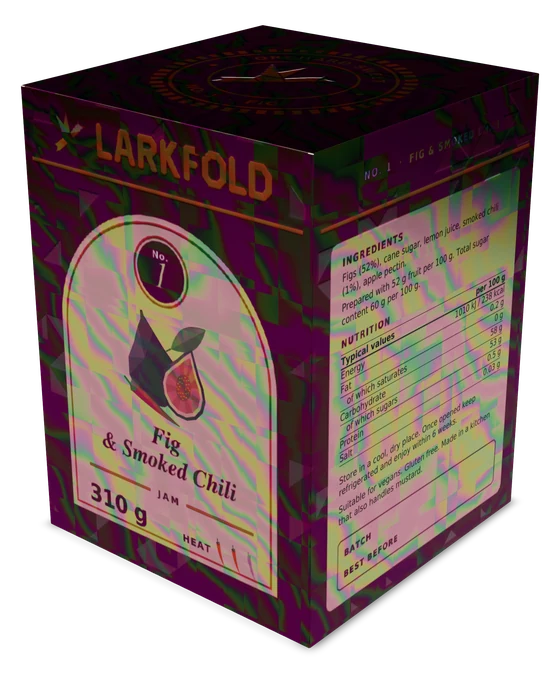
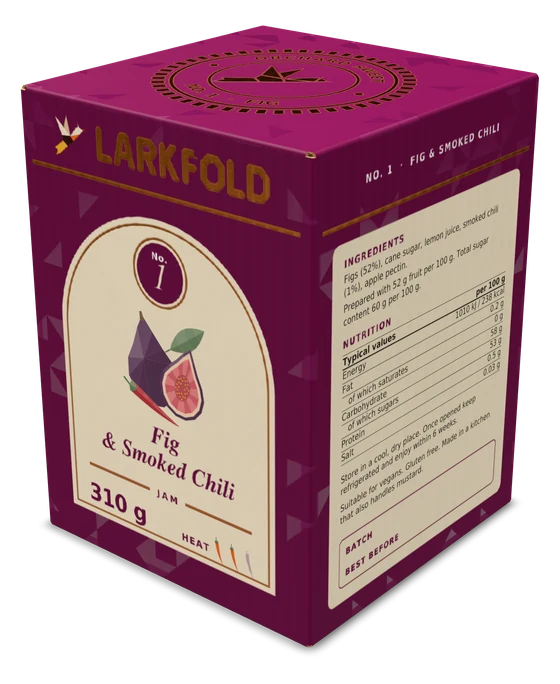
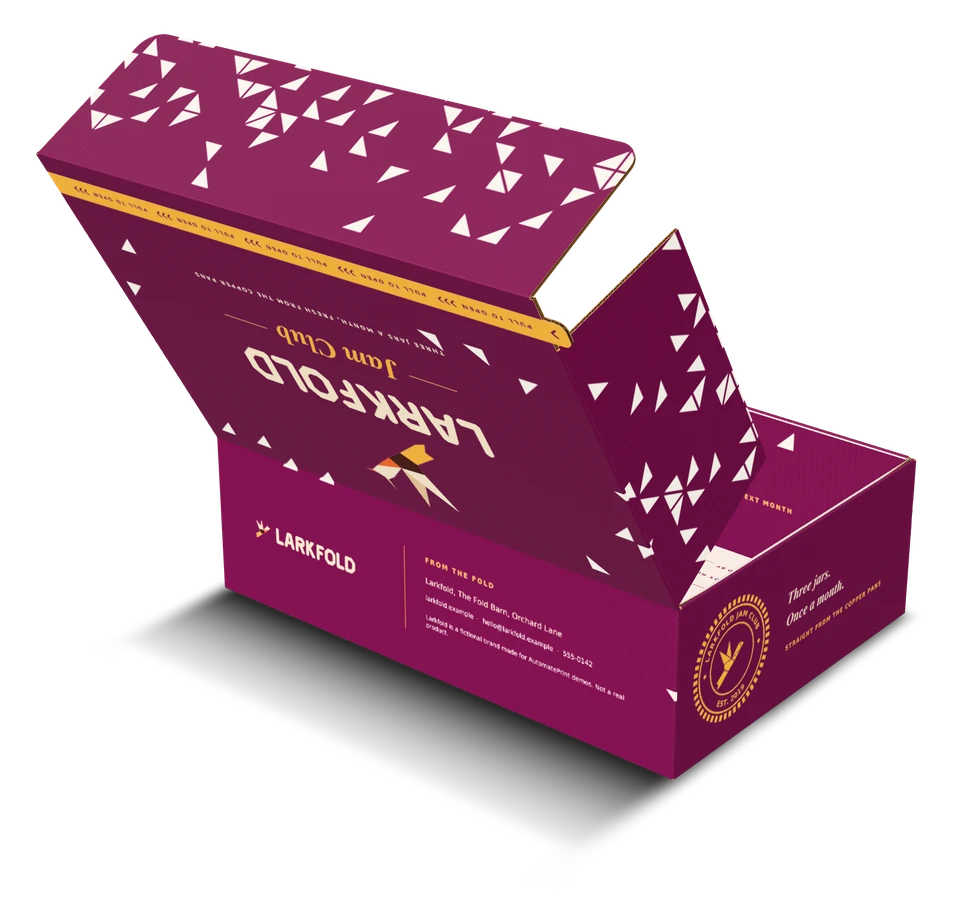
White ink under the art; the inside from page 2.
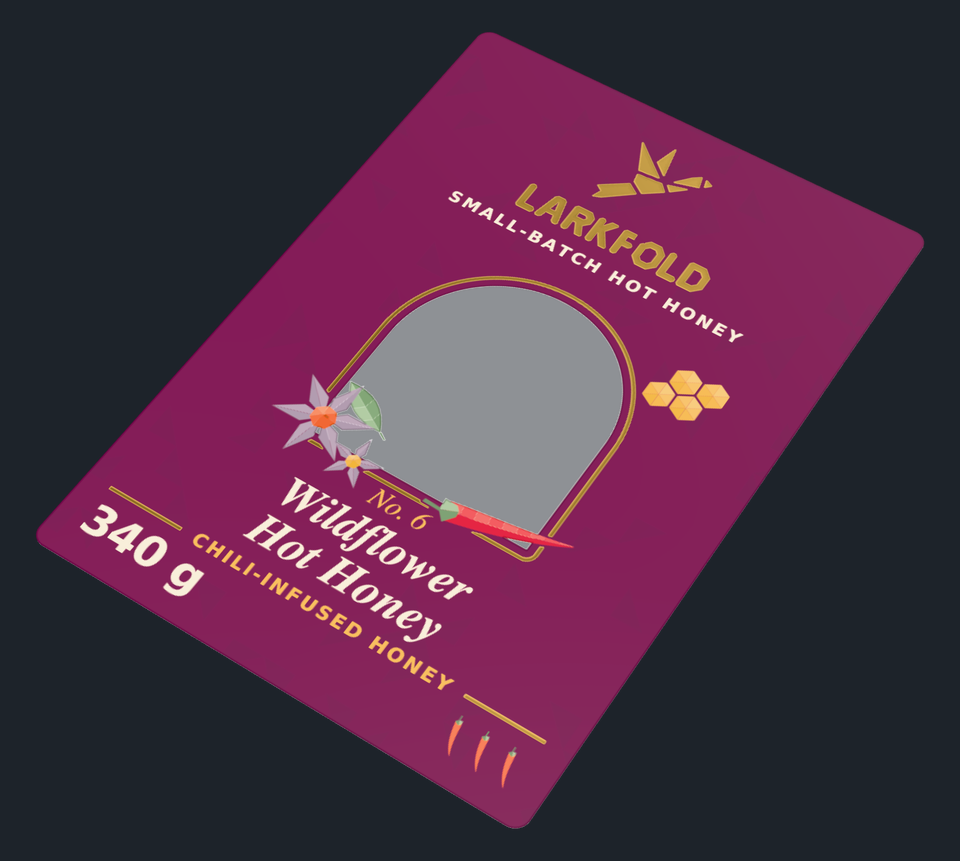
White ink where the art needs it.
Creases fold, cuts separate, and hinges allow for the board's thickness. Open lids and tuck flaps with per-hinge angles, or, for dielines with fold data, show it flat as it leaves the folder-gluer.
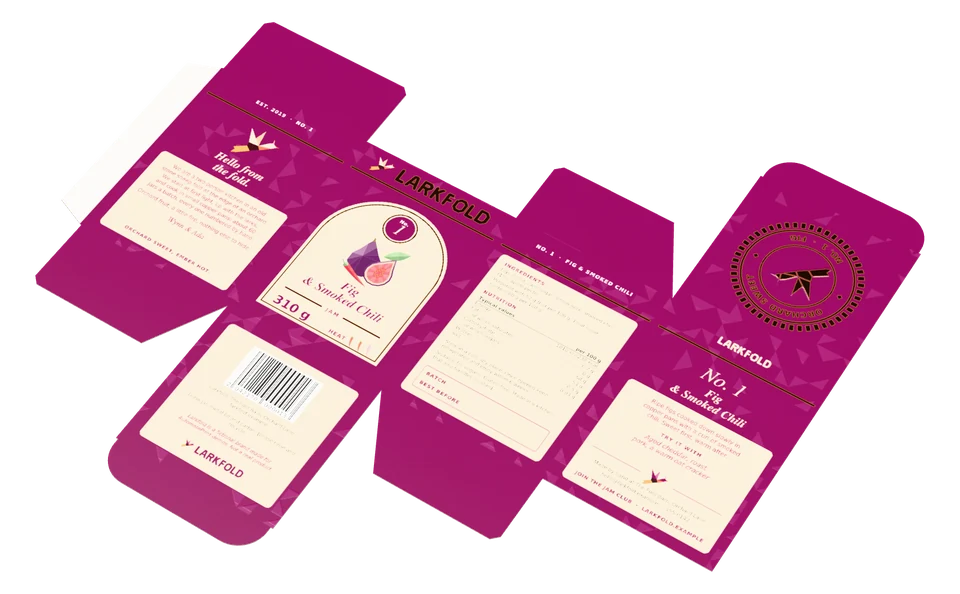
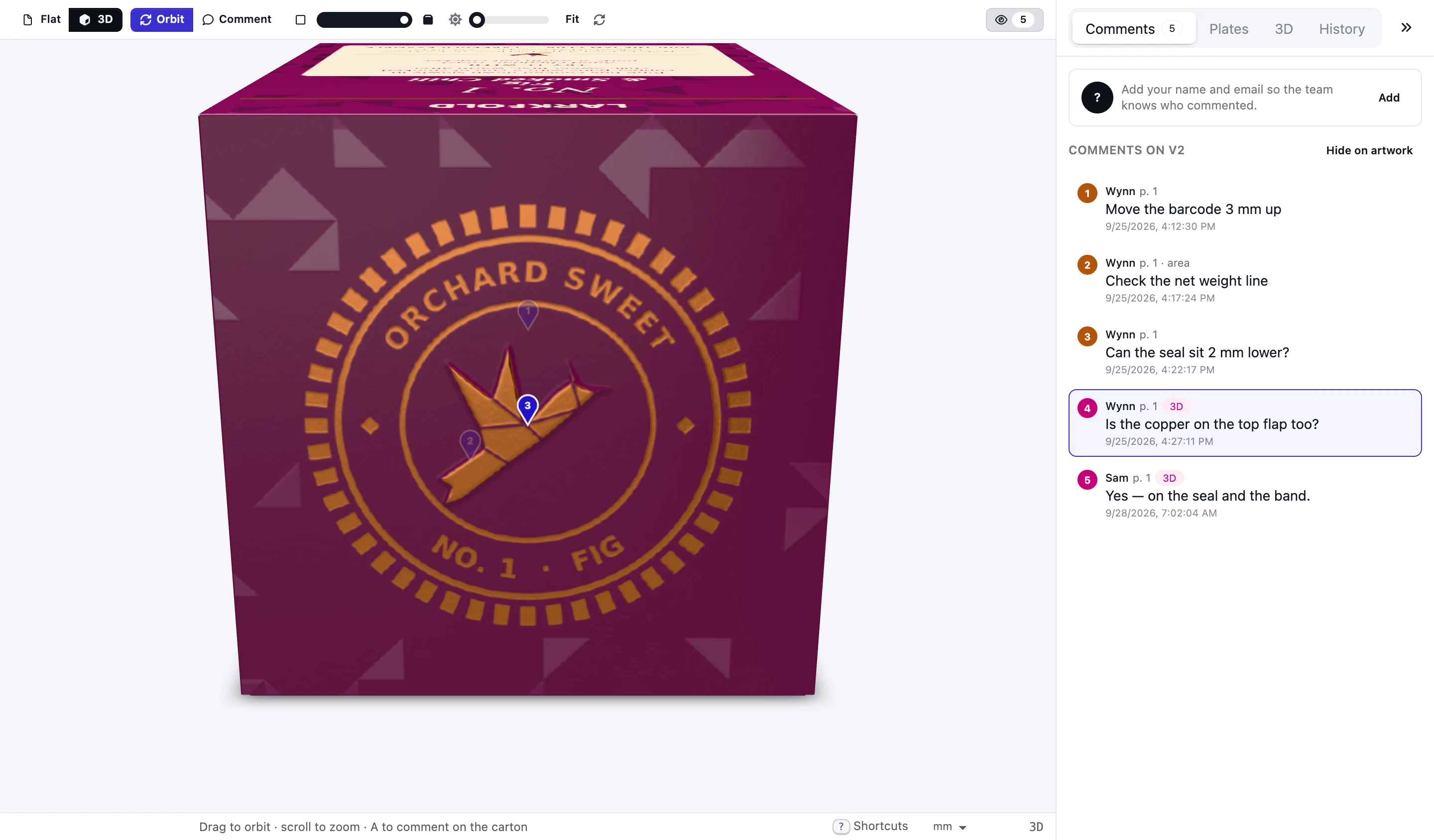
Share flat and 3D behind one link. Reviewers turn it, fold it flat and back, change the light and pin comments on the carton — pins stay on their panel as it folds. The decision record notes that they opened the 3D view.
Read the docs: The 3D cartonFinishes3D proofs in approvals
| Capability | Free | Shop | Production | Plant |
|---|---|---|---|---|
| 3D fold-up on 13 boards with lighting and PNG snapshots | Included | Included | Included | Included |
| 3D finishes (foil, spot UV, varnish, emboss, white ink) and GLB export | Not included | Included | Included | Included |
| 3D proofs customers can turn, fold and approve | Not included | Included | Included | Included |
3D fold-up on every board is free; finishes, GLB export and 3D proofs from Shop.
FAQ
Anything else? Email hello@automateprint.com and a person who knows print will answer.
No. The carton folds from the die in your artwork — mapped from spot colors in the 1-up editor, or drawn by the Box designer.
Yes, from Shop: share a proof as Flat, 3D or both. Reviewers turn the carton, move the fold and the light, and pin comments that stay on the panel. They never need an account.
Gloss, matte and soft-touch varnish, spot UV, gold, silver, holographic and colored foil, emboss, deboss and white ink.
Yes: PNG snapshots on every plan, and GLB files at real size from Shop.
Start free, with 14 days of every Production feature. No card, and your customers review for free.
Allow Google Analytics cookies to measure visits to our public website? Your team workspace and private proofs are excluded. Essential cookies always stay on. Privacy policy