


Pass or Fail at a glance
Errors, warnings and notes counted at the top of every report.
Files & artwork
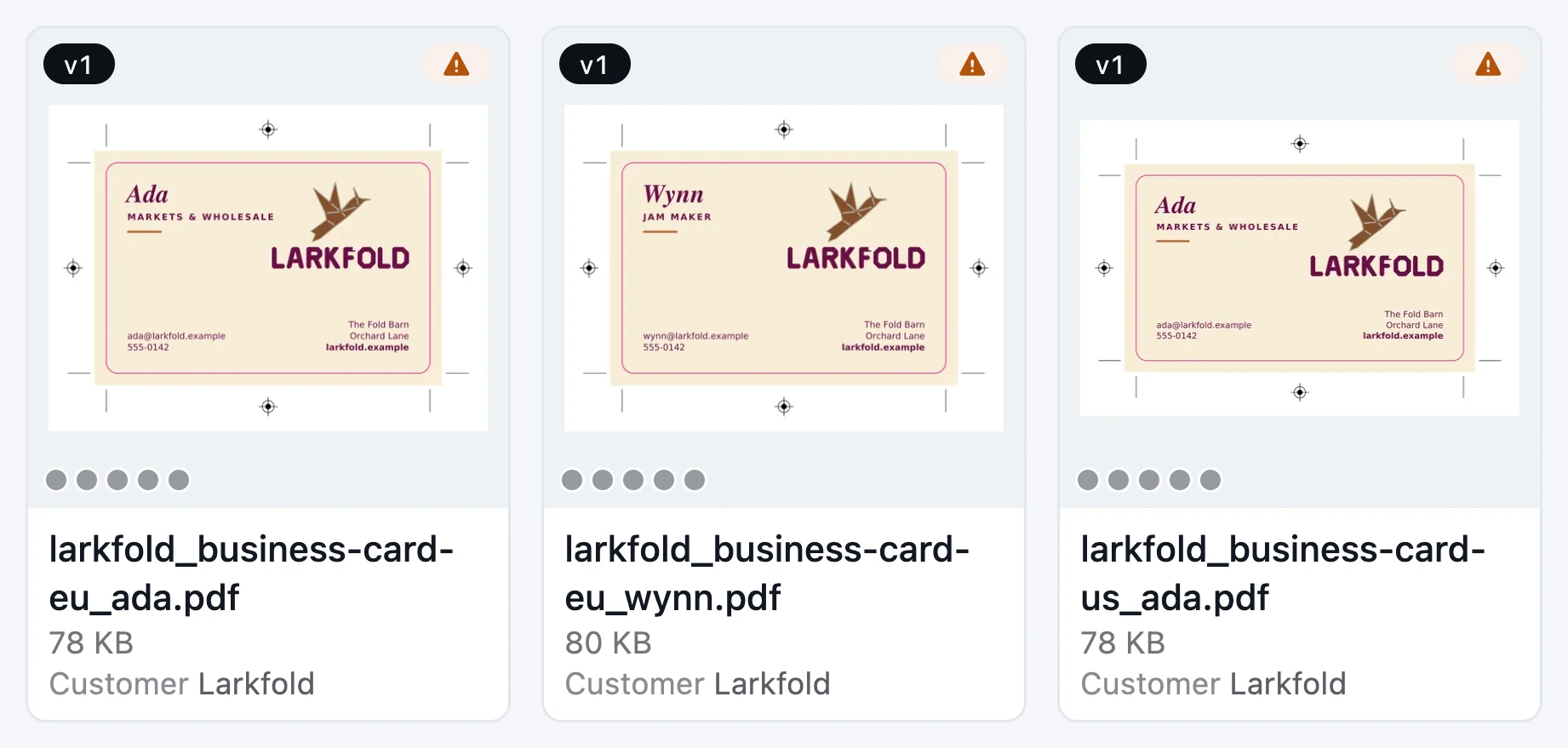
23 checks in 6 categories run on every proof, every PDF that lands in Files and every print-ready file, against the preset for the process. Findings are outlined on the page, and 4 one-click fixes save the next version and check it again.
On every plan

Today
With AutomatePrint
Today: “The 150 ppi photo is found on press.”
With AutomatePrint: It's outlined on the page the moment the file arrives.
Today: “Preflight is a manual step someone forgets.”
With AutomatePrint: It runs on every proof, on new PDFs in Files and in the 1-up editor.
Today: Bleed is checked against the page box of a shaped label.
With AutomatePrint: When the file has a die, bleed and safety margin are measured from the die outline.
A proof version is saved, a PDF lands in Files, or the print-ready file changes in the 1-up editor.
With your team's default profile, or a preset that suits the artwork: digital, offset, wide format, packaging or flexo.
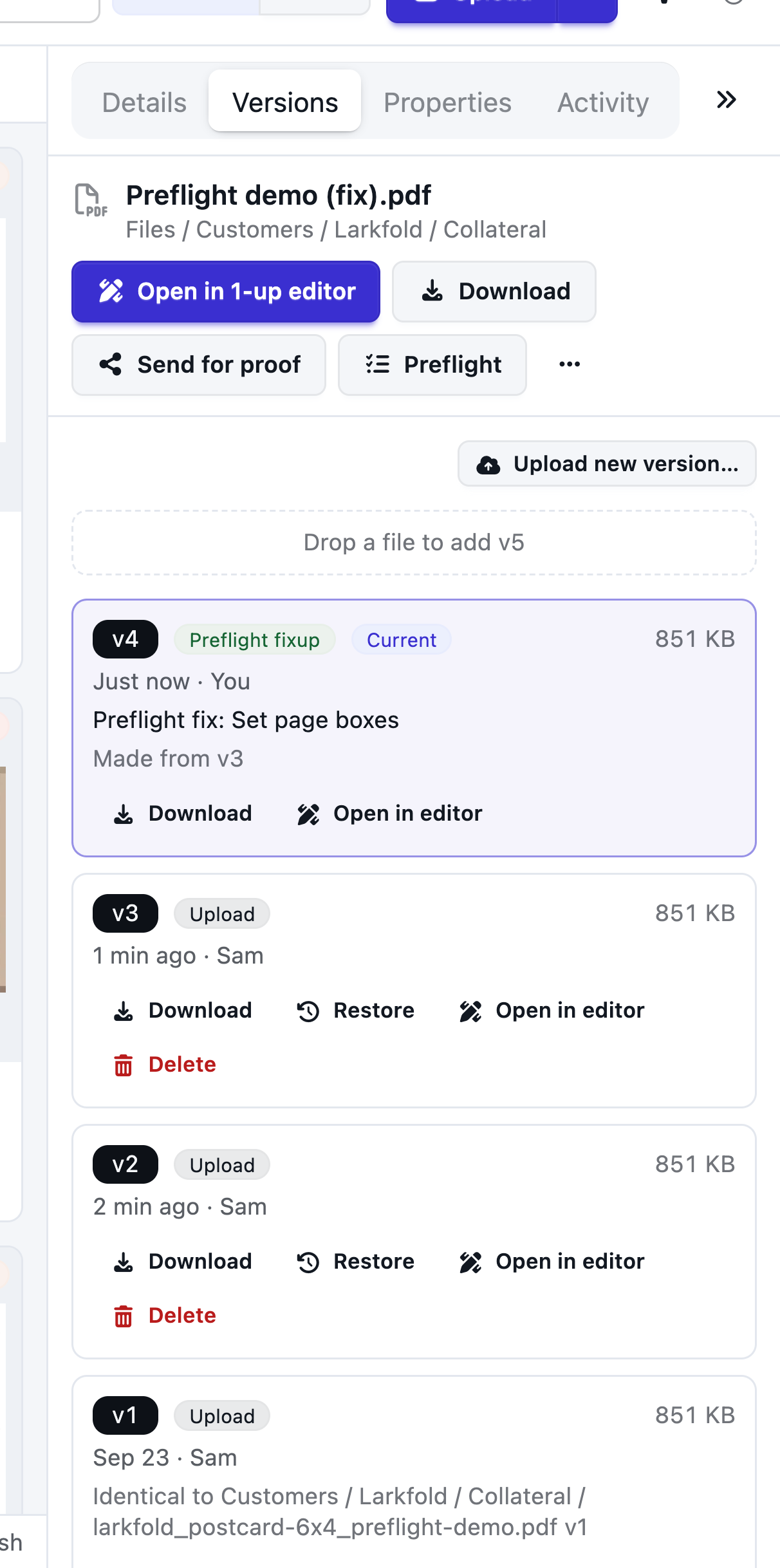
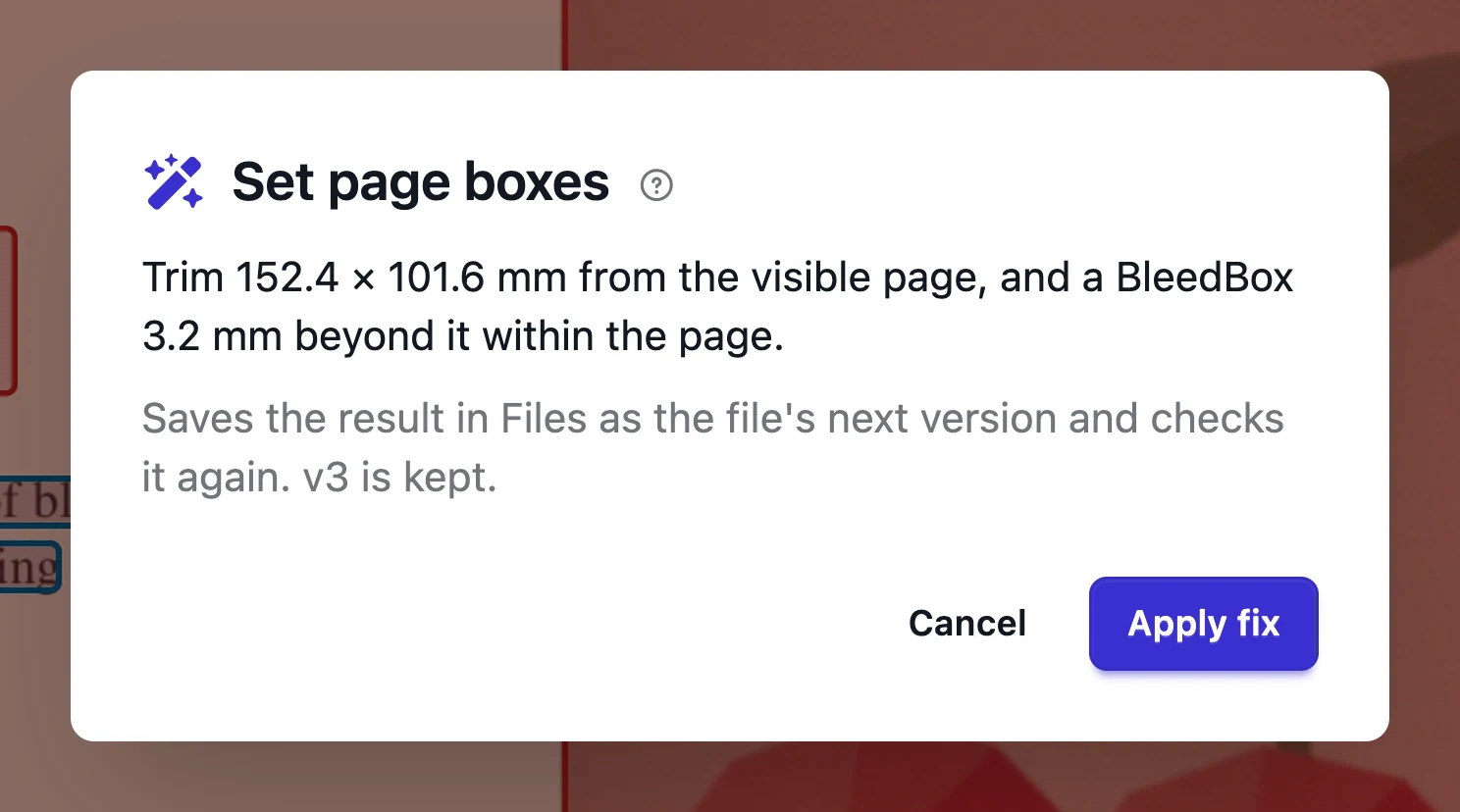
Findings are outlined on the page. A fix saves the next version and checks it again; the original is kept.
Set page boxes, remove comments, forms and scripts, remove encryption, or downsample images. The fixed file is saved as the next version in Files or Approvals, and checked again.
Errors, warnings and notes counted at the top of every report.

Change a threshold; everything else keeps the preset's improvements.
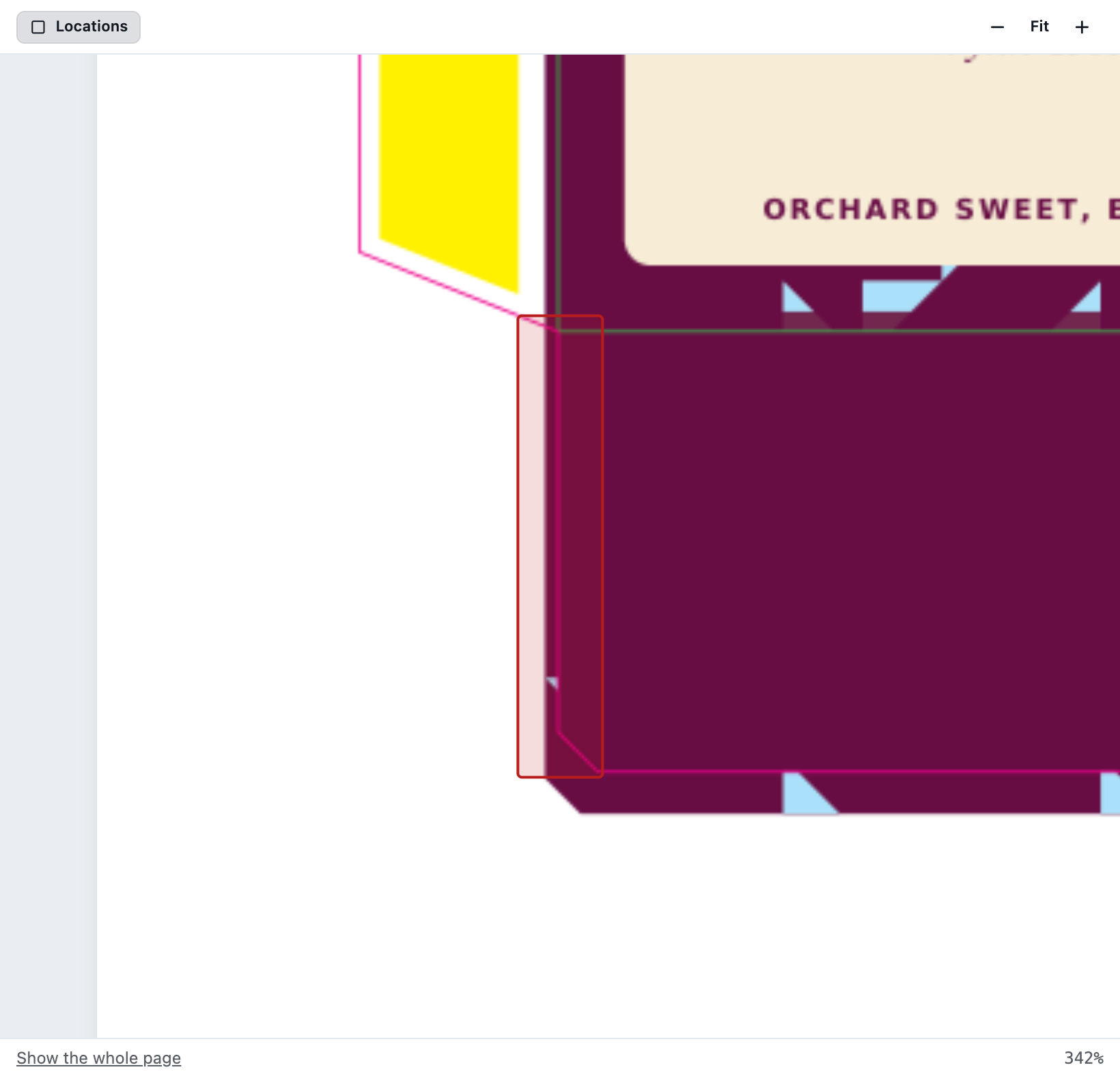
Bleed and safety margin follow the die outline, not the page box.
Preflight runs on every proof version, on PDFs arriving in Files and in the 1-up editor whenever a checked artwork's file changes. The result shows wherever the file appears: in Approvals, in Files and in the editor's header.
Images
Image resolution
Text and fonts
Fonts embedded, Minimum text size, Small text in several inks
Lines
Minimum line width
Colour and ink
Overprint, White overprint, Transparency, Spot colours, Colour spaces, Total ink coverage, Technical lines overprint, Black overprint, Registration colour, Lightest tint
Page, bleed and safety
Bleed, Safety margin, Page size, Page count
Document
JavaScript, Comments and form fields, Encryption, PDF version and output intent
Read the docs: How preflight worksPreflight checks at a glancePreflight fixes
| Capability | Free | Shop | Production | Plant |
|---|---|---|---|---|
| Automatic preflight on every upload: 23 checks, 5 presets | Included | Included | Included | Included |
| One-click fixes and custom profiles | Not included | Included | Included | Included |
Automatic preflight on every plan; fixes and custom profiles from Shop.
FAQ
Anything else? Email hello@automateprint.com and a person who knows print will answer.
On every proof version, on new PDFs in Files (a setting, on for new teams), in the 1-up editor when a checked artwork's file changes, and through the API.
Yes, from Shop. Custom profiles store only your changes from a preset, so improvements to the preset still reach you.
4 fixes, from Shop. Each saves the next version and checks it again; the original is kept.
Technical and finish inks are recognized and left out of the artwork checks.
Start free, with 14 days of every Production feature. No card, and your customers review for free.
Allow Google Analytics cookies to measure visits to our public website? Your team workspace and private proofs are excluded. Essential cookies always stay on. Privacy policy