

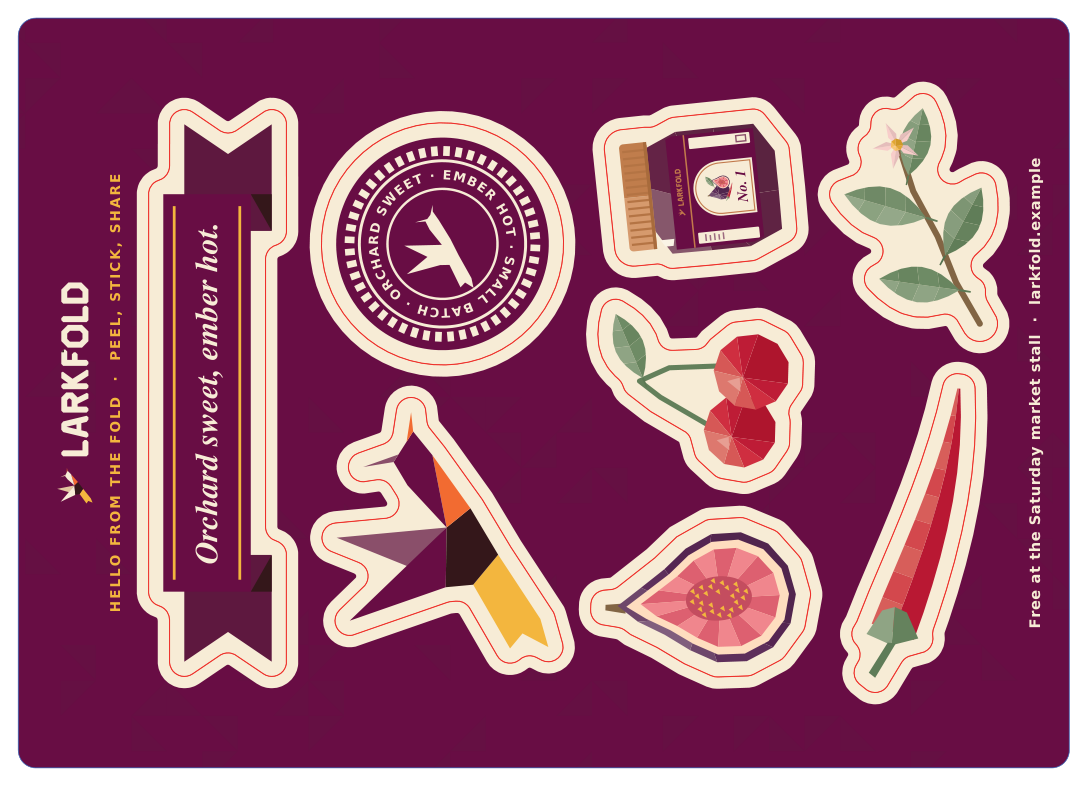
Output · print + cut PDF
Kiss-cut and Thru-cut in one file
Kiss-cut stickers inside the sheet's Thru-cut outline, each method on its own spot color and layer.
Impose, mark & cut
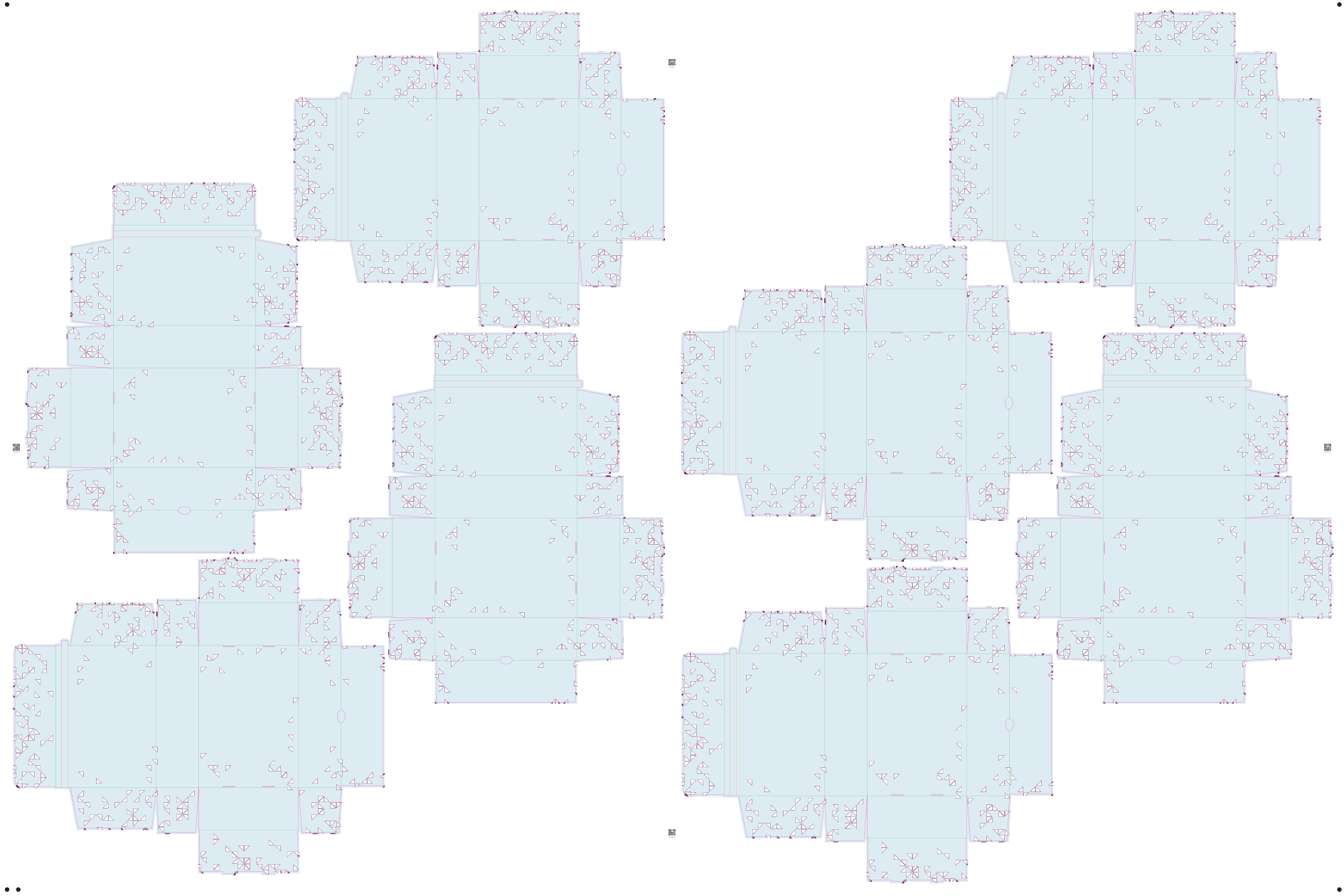
Export the imposed print PDF and its cut file from the same layout, so they line up. Line types set on the artwork travel with the job — Thru-cut, Kiss-cut, Crease, Score and V-cut arrive on separate spot colors and layers — and nothing is cut twice.
From Shop



Today
With AutomatePrint
Today: The cut file is rebuilt by hand after every layout change.
With AutomatePrint: It's exported from the same layout as the print PDF.
Today: Shared edges are cut twice.
With AutomatePrint: A line along an edge that's already cut is left out, and every line is clipped to its piece.
Today: The guillotine operator works it out at the knife.
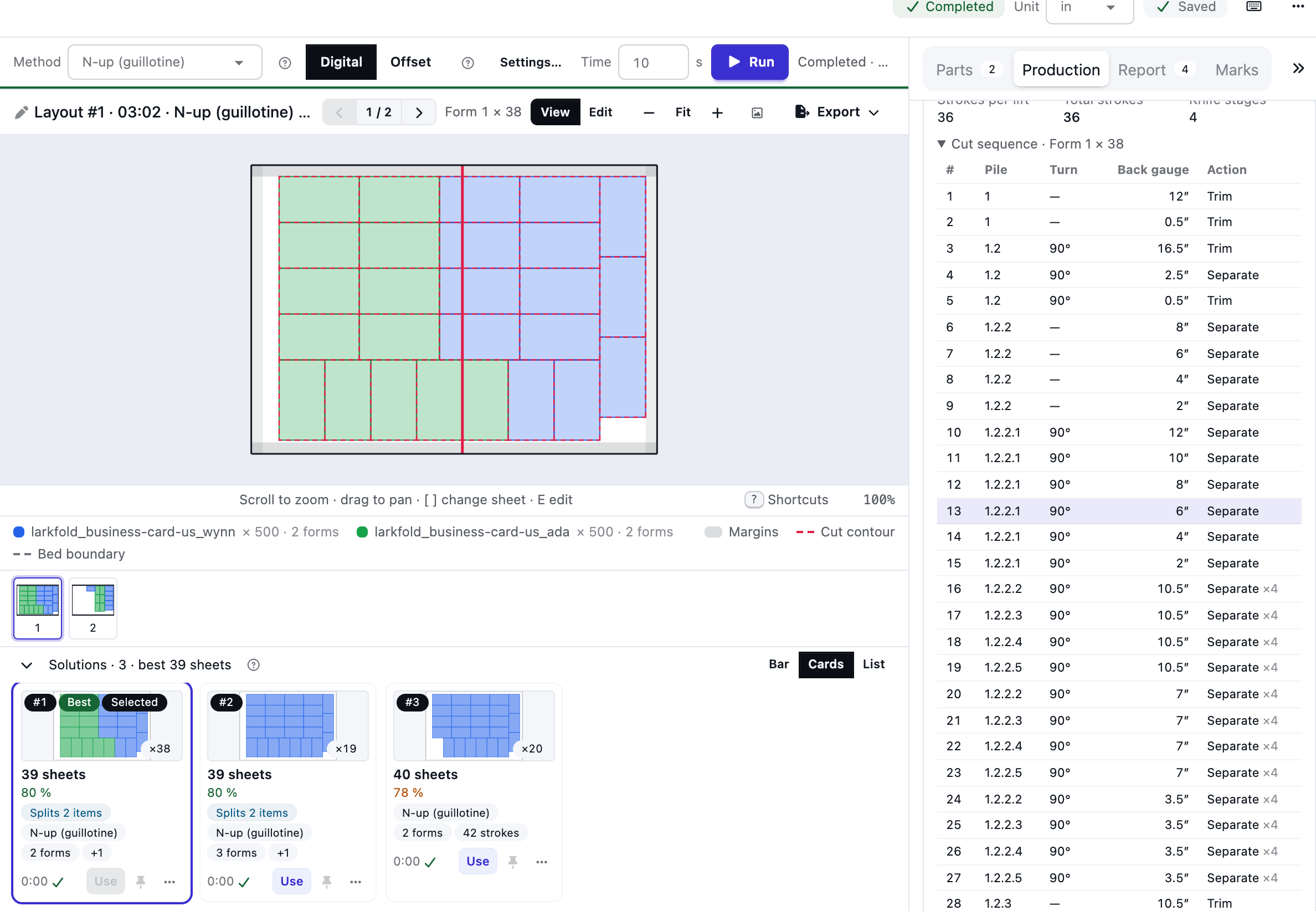
With AutomatePrint: A cut program lists every stroke: the pile, the turn and the back-gauge position.
Give the artwork its die and line types: cut, crease, kiss-cut, perforation.
Run the job; the print PDF and the cut file come from the layout you choose.
Download the cut file as PDF, DXF or CF2 from the Export menu, beside the imposed PDF.
Output · print + cut PDF
Kiss-cut stickers inside the sheet's Thru-cut outline, each method on its own spot color and layer.
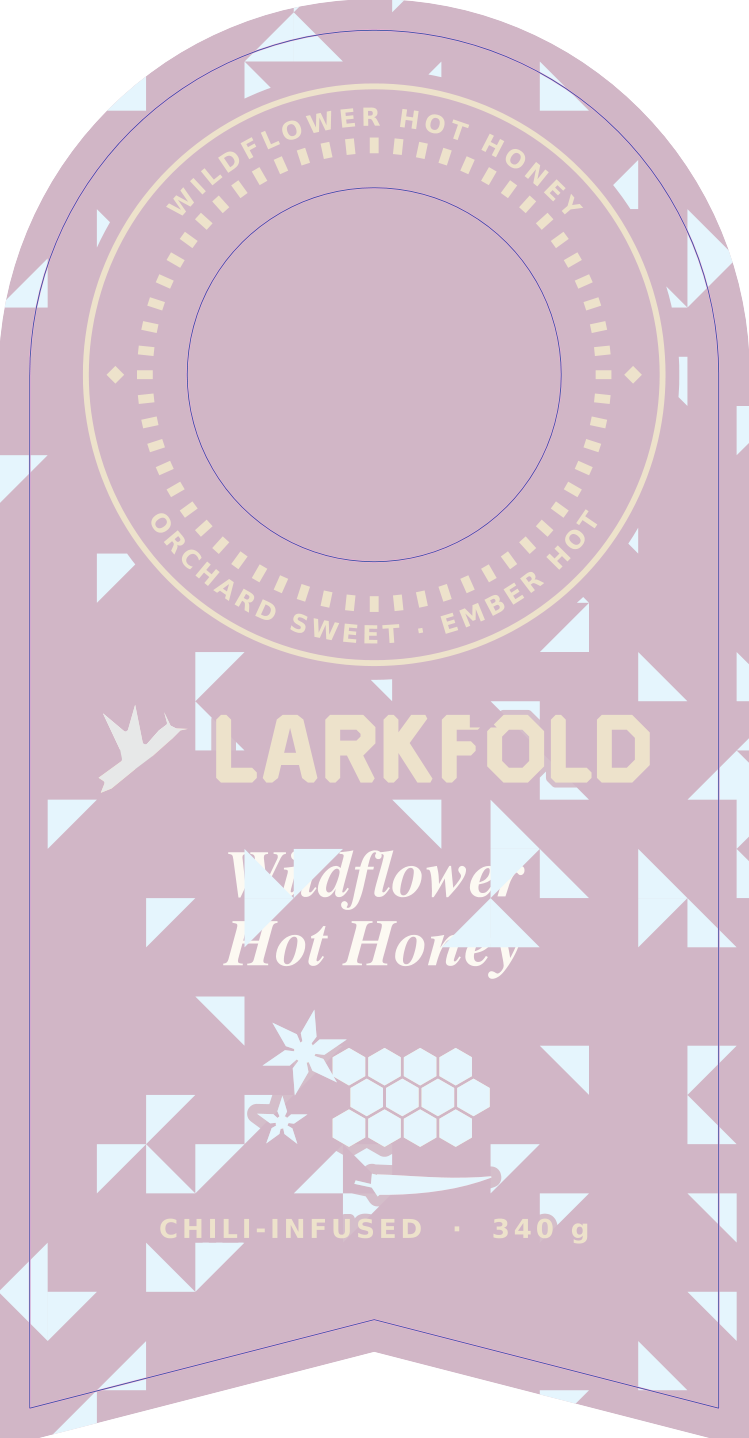
Output · cut PDF over the print
Windows and holes in the die are cut too, with their own method or Thru-cut.
The cut sequence steps through every knife stroke — the pile, the turn and the back gauge — and lights the knife line on the sheet. Export it as CSV, or as JSON through the API.
Read the docs: Cutting files and registrationExports
| Capability | Free | Shop | Production | Plant |
|---|---|---|---|---|
| Cut files: Thru-cut PDF, DXF, CF2, one page per bed, guillotine program | Not included | Included | Included | Included |
From Shop.
FAQ
Anything else? Email hello@automateprint.com and a person who knows print will answer.
Imposition cut files use method names such as Thru-cut, which you map to CutContour in your RIP. Cut files from a quote use your cutter's own spot name.
No. A stretch along an edge already cut with the same method is left out, a duplicate line is written once, and lines are clipped to the piece.
Yes, with a mark set on the job: on the cutter's registration layer, exactly where they were printed.
PDF with a spot color and layer per method, PDF with one page per bed, DXF R12 in millimeters, and CF2.
The files follow the published formats, and print and cut use the same placement. We haven't tested every cutter's import of every format, so cut a first job on yours before relying on a new one.
Start free, with 14 days of every Production feature. No card, and your customers review for free.
Allow Google Analytics cookies to measure visits to our public website? Your team workspace and private proofs are excluded. Essential cookies always stay on. Privacy policy