

Dieline PDF
Thru-cut, Crease, Perforate and Score spot colors — it carries its own fold data.
Quote & design
Pick one of 8 ECMA and FEFCO styles, type the inside size and choose the board. The Box designer draws the dieline with the board's real caliper, folds it in software to check that it closes, and shows it folded in 3D — before anyone pays for a die.
On every plan
Lines
Output · Dieline SVG
Today
With AutomatePrint
Today: Every new size means redrawing the dieline by hand.
With AutomatePrint: Type the size; the dieline redraws around the board's caliper.
Today: You find out the tuck flap clashes when the sample arrives.
With AutomatePrint: Every dieline is folded in software first. A clash names the panels and the amount.
Today: The die maker wants CF2, the designer wants a template, the estimator wants the blank size.
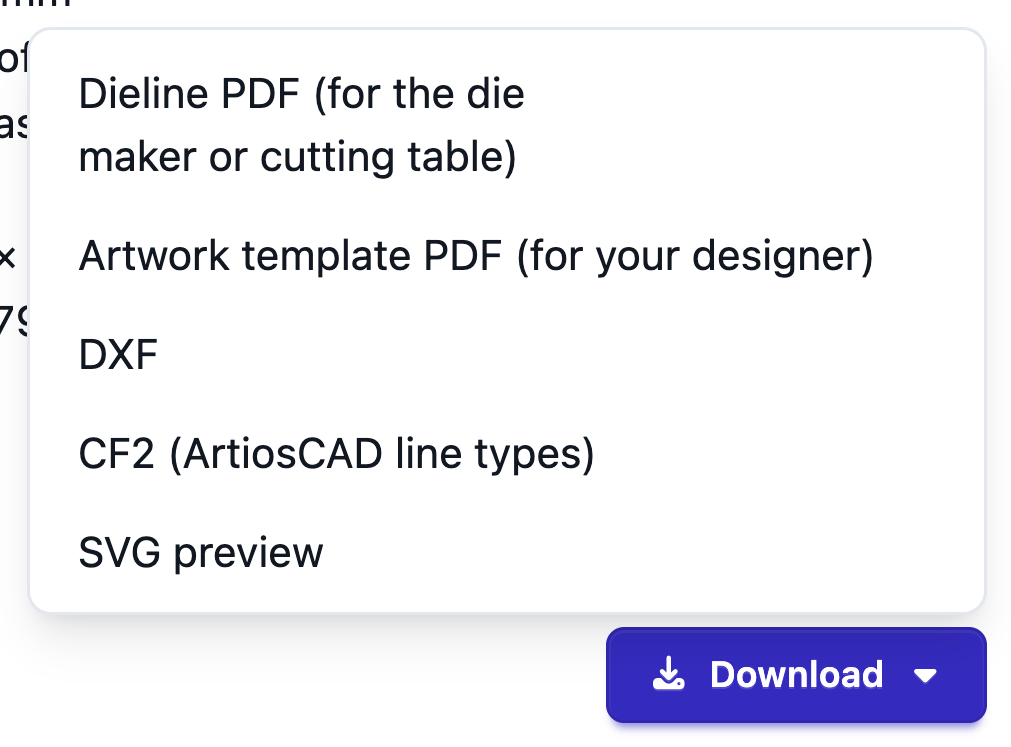
With AutomatePrint: Download the dieline PDF, an artwork template, DXF or CF2 — and the box goes straight into a quote.
Choose a tuck box, tray, sleeve, seal end or shipping box from the gallery.
Inside, crease or outside, in mm or inches with fractions, on the board you run.
The fold check runs as you stop typing; see it in 3D, then download the files or quote the box.
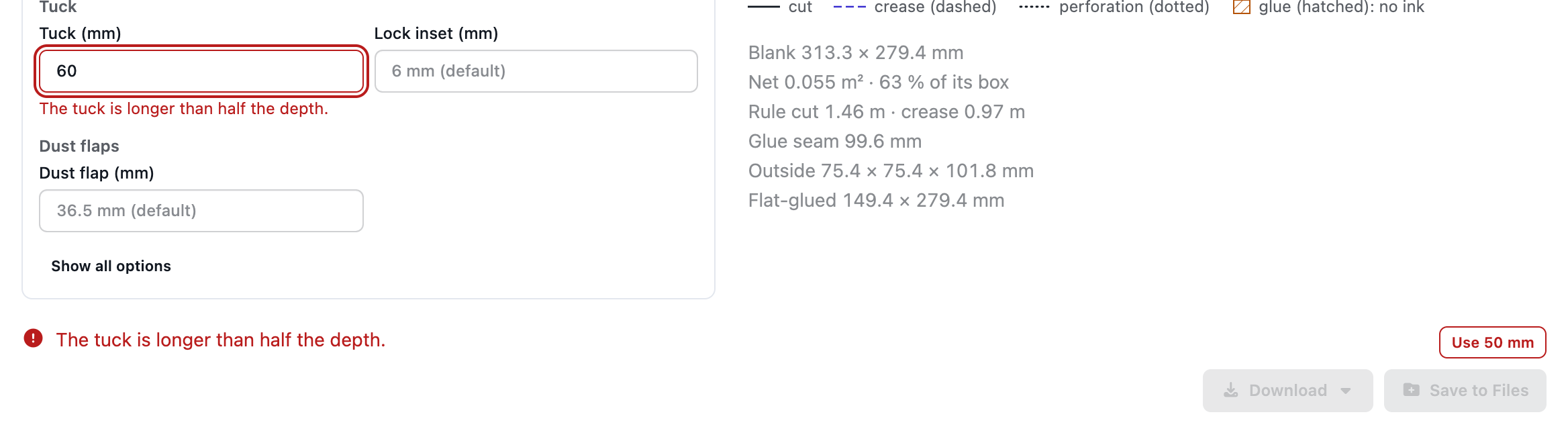
A moment after you stop typing, the dieline is folded in software with the board's real thickness. It checks that every side closes, the inside size is within 0.05 mm on cartons and 0.15 mm on corrugated, nothing clashes and the glue reaches. A failure names the panels and the amount, and a size it can't make names the field and why — often with a fix button, and the die files wait until it's solved.
Thru-cut, Crease, Perforate and Score spot colors — it carries its own fold data.
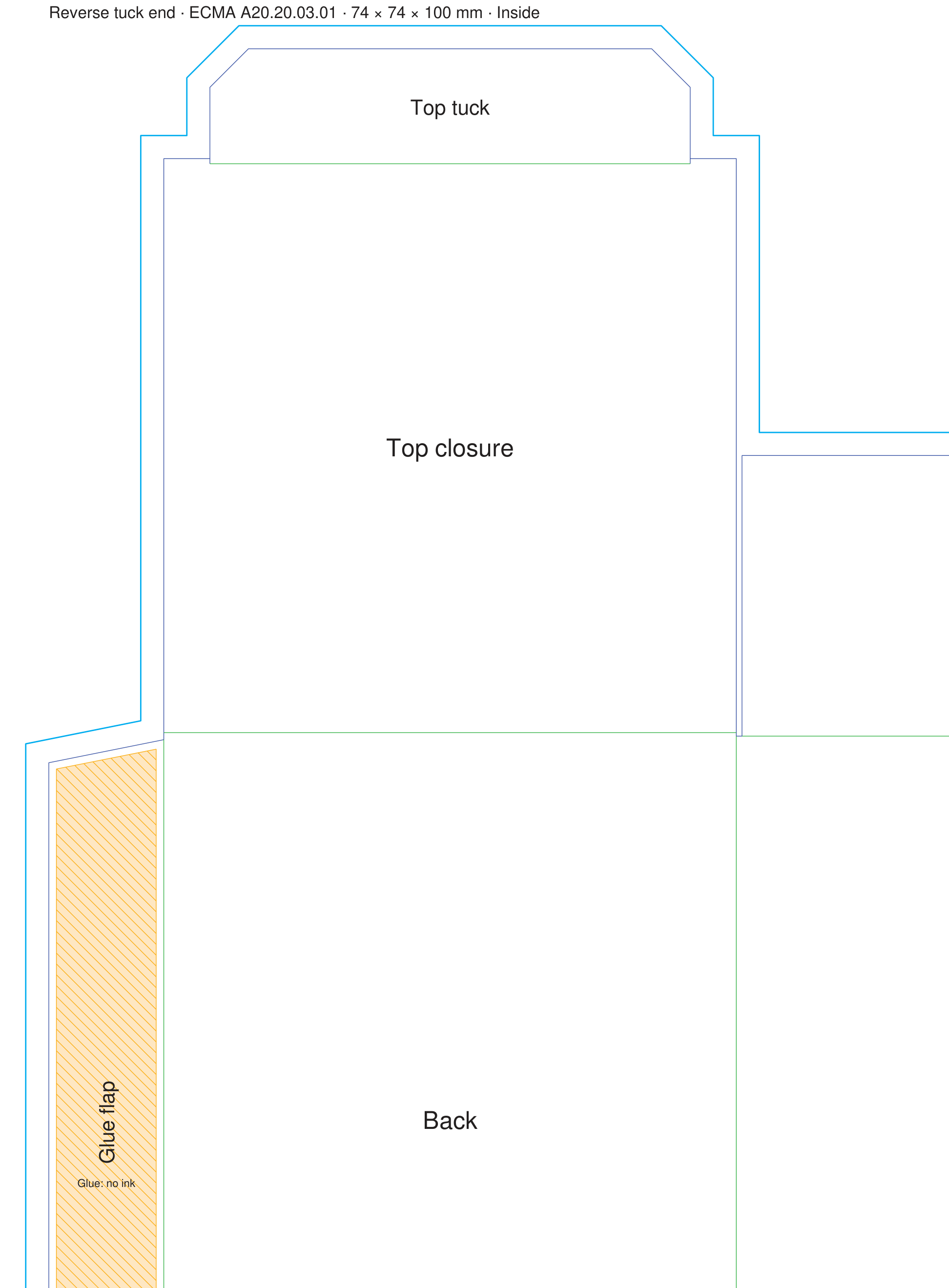
Output · Artwork template PDF · 400 dpi
Bleed, glue areas marked “no ink”, panel names and a title block.
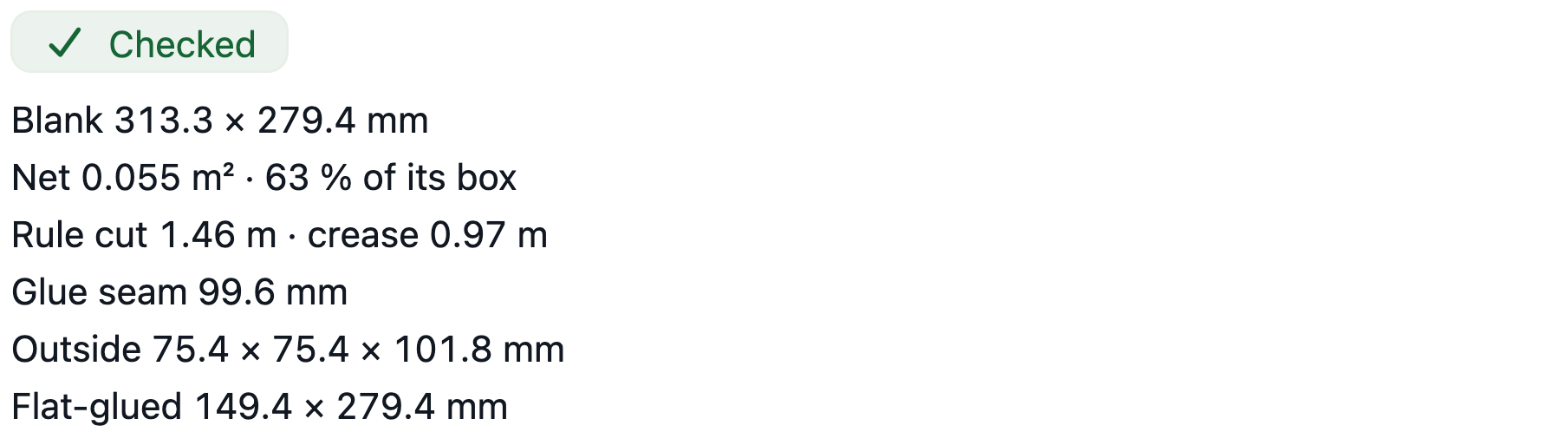
Blank size, rule lengths and outside size, ready for the quote.
Score allowances come from the flute and grow with caliper. Calibrate them from your own samples, and choose a plant or rigid joint.
Output · Dieline SVG · Box designer engine
Use in estimate fills a box row. Cartons are costed on your press, die-cutter and folder-gluer, shipping boxes on a flexo folder-gluer or as blanks, and the die is a separate line — a die you own or a new one, priced all-in.
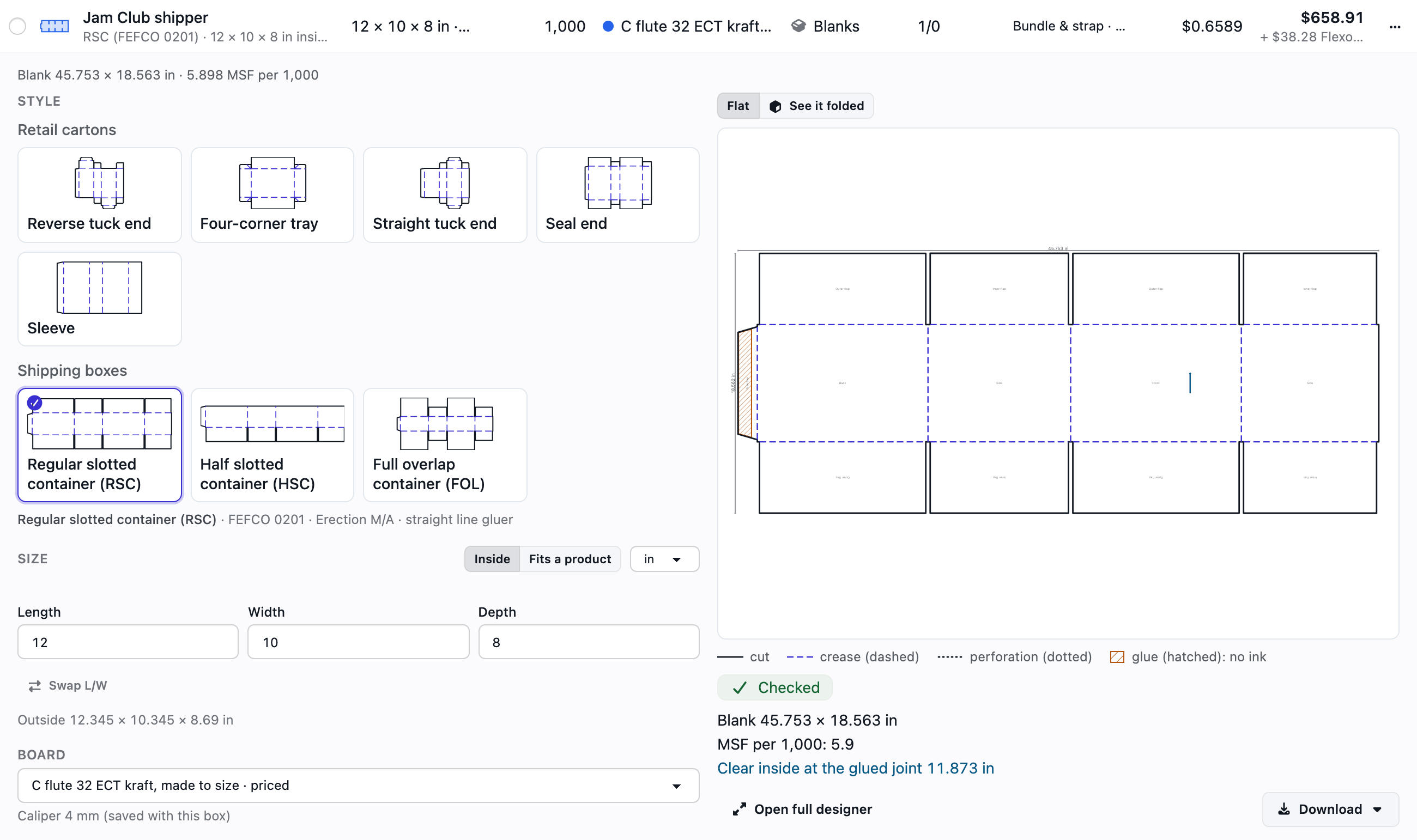
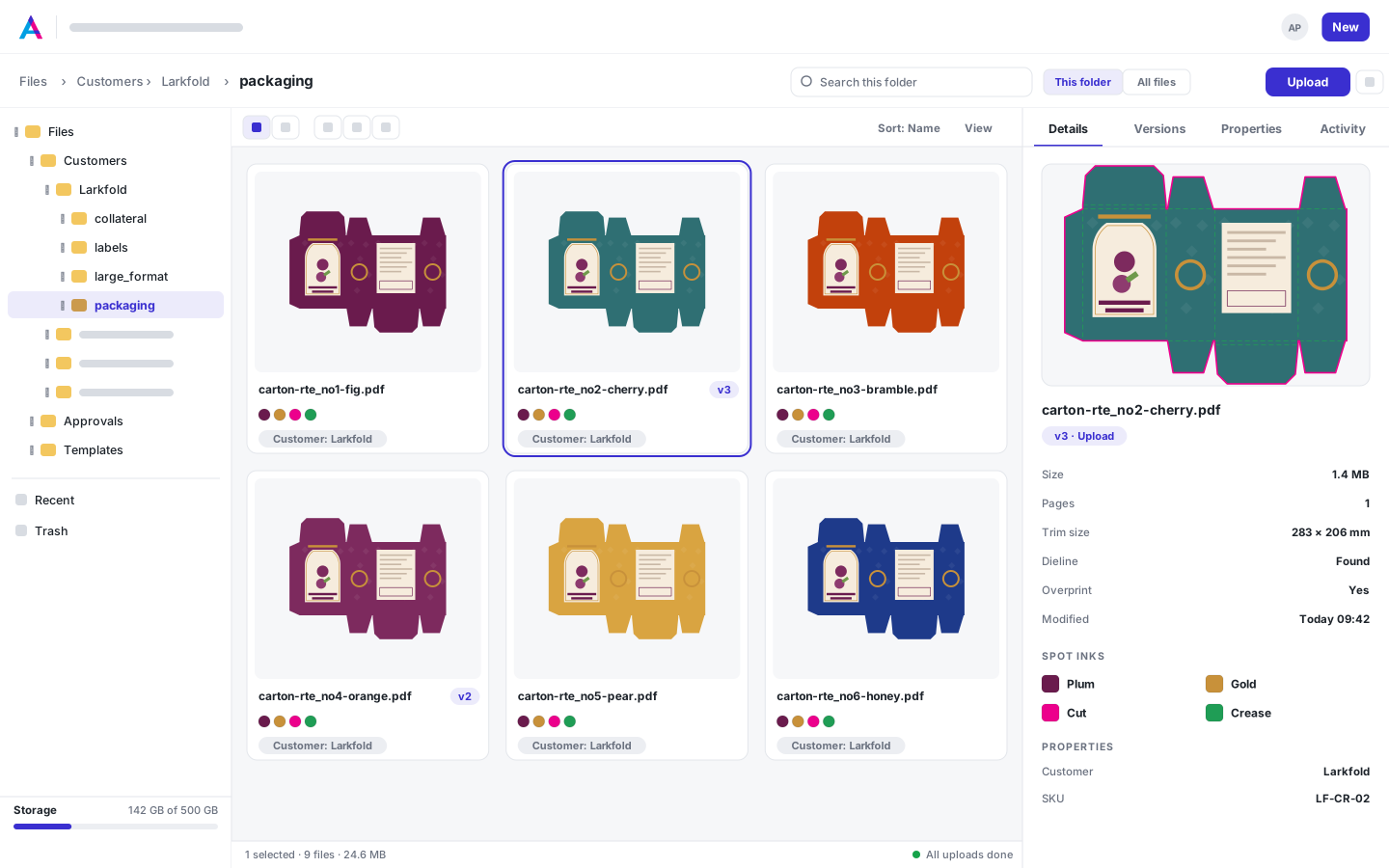
Style, size and board are kept as properties; saving again makes a new version.
Read the docs: Box and carton dielinesThe fold checkDieline files
| Capability | Free | Shop | Production | Plant |
|---|---|---|---|---|
| 8 ECMA and FEFCO styles, fold check, 3D fold-up | Included | Included | Included | Included |
| Dieline PDF, artwork template and SVG, commercial use | Included | Included | Included | Included |
| DXF and CF2 for die makers and CAD tables | Not included | Included | Included | Included |
| Carton and corrugated quotes: dies, plates, die-cutters and folder-gluers | Not included | Included | Included | Included |
Free for commercial work: every style, the fold check, 3D fold-up, dieline PDF and artwork template.
FAQ
Anything else? Email hello@automateprint.com and a person who knows print will answer.
Yes. On the Free plan you can draw every style, check the fold, see it in 3D and download the dieline PDF and artwork template — for commercial work, too. DXF and CF2 die files come with Shop.
8 today: reverse tuck end, straight tuck end, seal end, four-corner tray and sleeve, plus FEFCO 0200, 0201 and 0203 shipping boxes.
DXF (R12, in mm) and CF2 carry cut, crease and perforation on the line types structural CAD reads, and the outline is one closed path.
Yes. Open your PDF in the 1-up editor and map the spot colors that carry the die; the 3D tab folds it along its creases.
Yes, from Shop: as blanks, and as full carton and corrugated quotes with dies, plates, die-cutters and folder-gluers.
Start free, with 14 days of every Production feature. No card, and your customers review for free.
Allow Google Analytics cookies to measure visits to our public website? Your team workspace and private proofs are excluded. Essential cookies always stay on. Privacy policy