

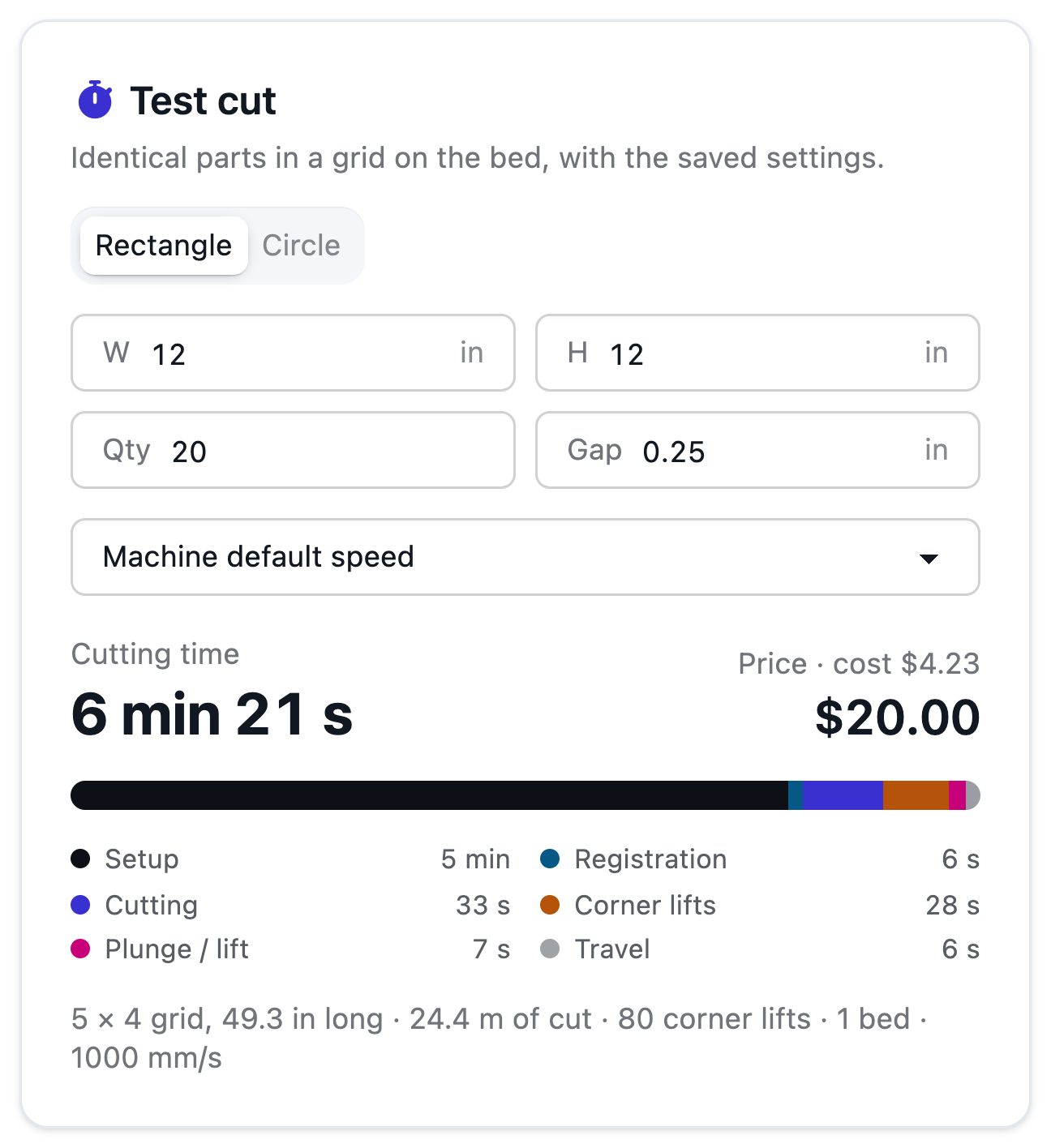
Test cut
See the time before you quote it.
Run the floor
Start from 128 built-in profiles for wide-format printers, cutting tables and sheetfed presses, add die-cutters, folder-gluers and laminators, then tune speeds, makeready and rates. The same profiles time your quotes and your layouts — and rates start at zero, so no price is ever guessed.
From Shop
Today
With AutomatePrint
Today: Speeds live in someone's head.
With AutomatePrint: Published specs to start, marked as estimated until you calibrate them.
Today: Each tool wants its own machine list.
With AutomatePrint: One list for quotes and layouts.
Today: Some tools charge per device.
With AutomatePrint: Every machine is free.
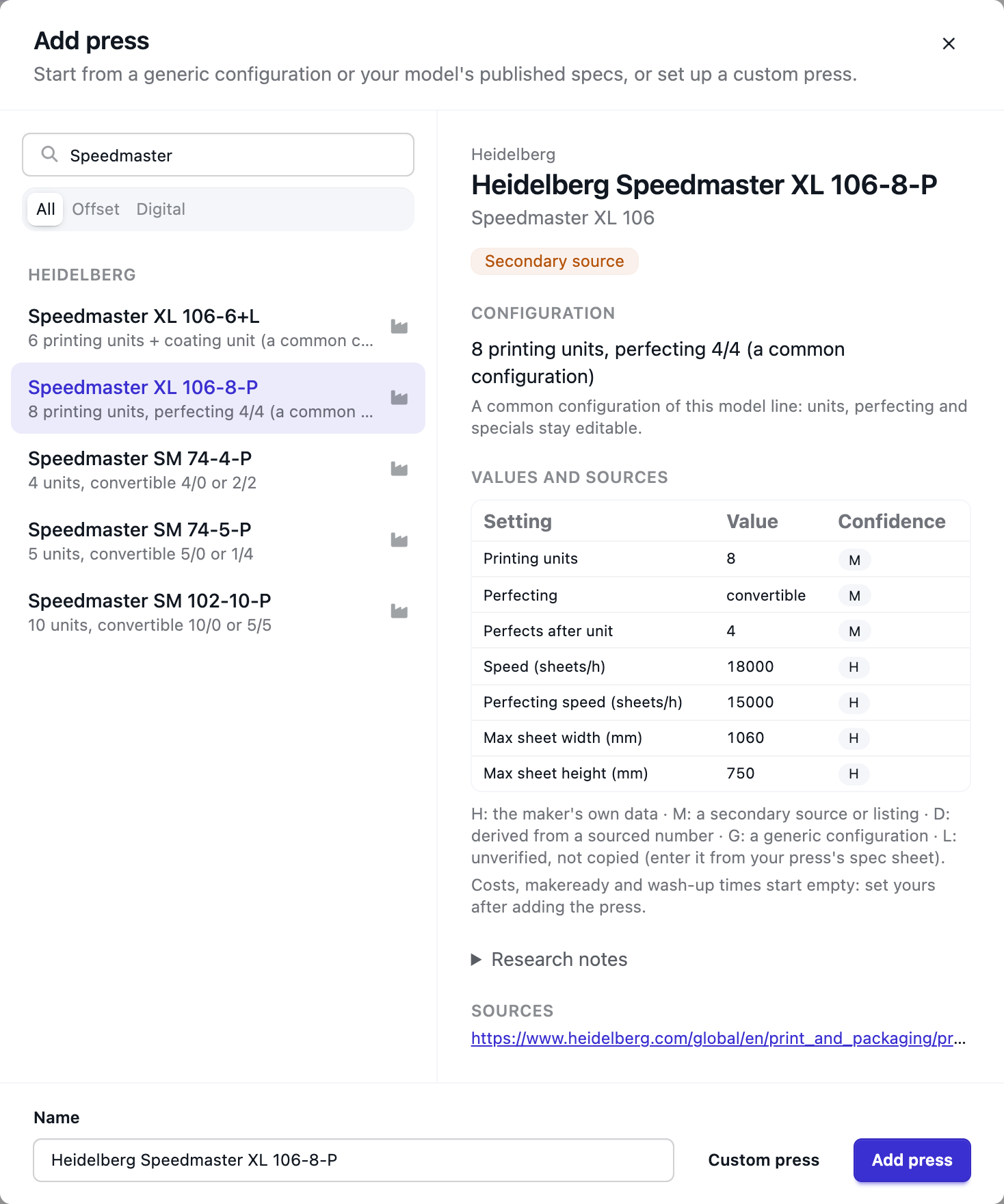
Search the built-in profiles, or add a machine by hand.
Sheet sizes, units, speeds, makeready and your own hourly cost and rate. Rates start at zero.
Time a real job and let the suggested factor bring the estimates in line.
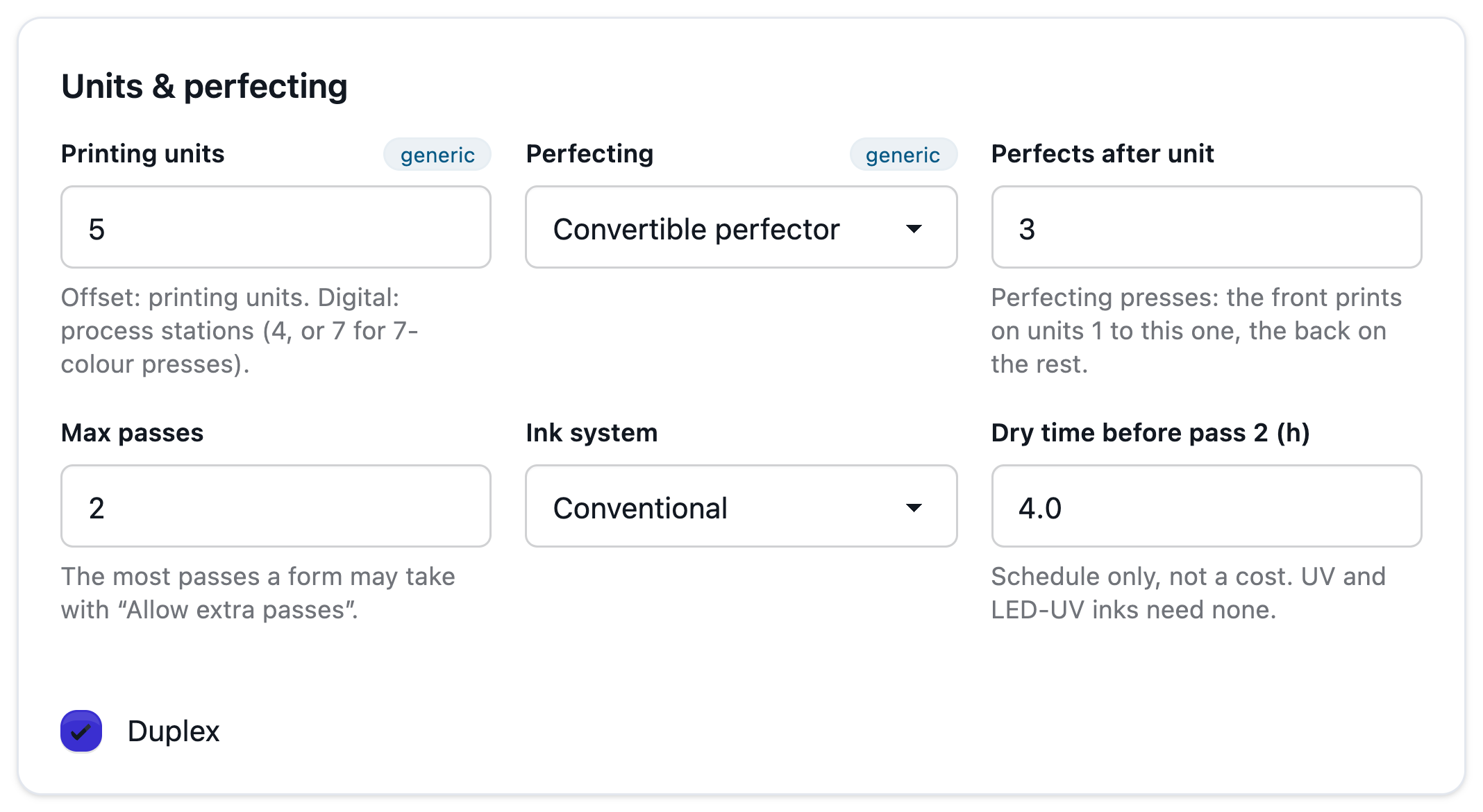
Units, perfecting, coaters, cold foil and special stations, makeready per plate and wash-up per ink — used by offset plans and quotes.
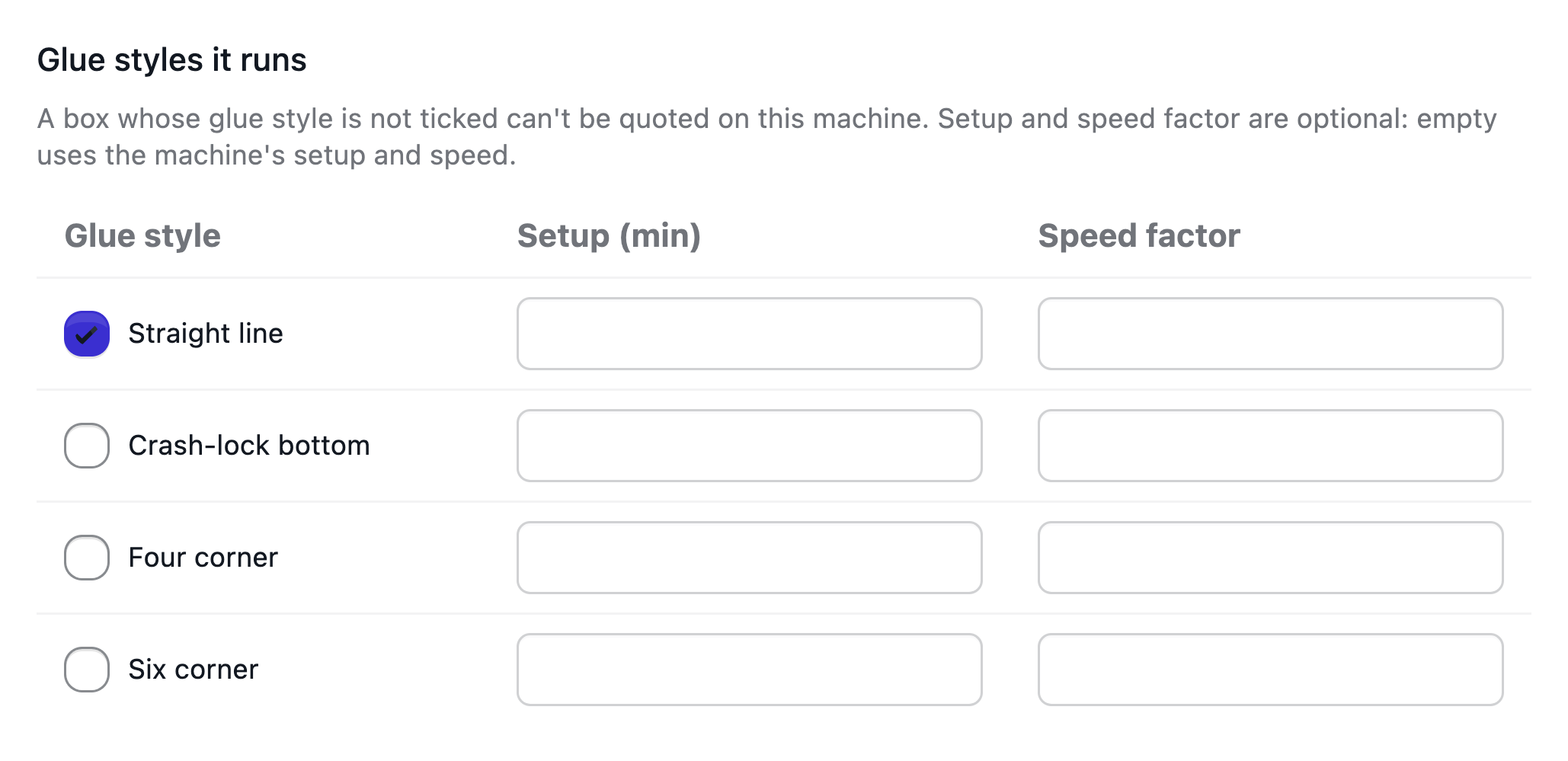
Die-cutters with stripping and blanking, folder-gluers, flexo folder-gluers, window patchers, laminators and folders, each with its own speeds and setup. A folder-gluer lists the glue styles it runs, and a box it can't glue can't be quoted on it.
Keep the dies, plates and blocks you own in Tools & dies. Each die knows the single-up it cuts, so a quote for the same box finds it without anyone typing its number. One rate card per tool type prices a new one — with re-rule and wear, lead time and rush — and the quote weighs it against the die on hand, all-in.
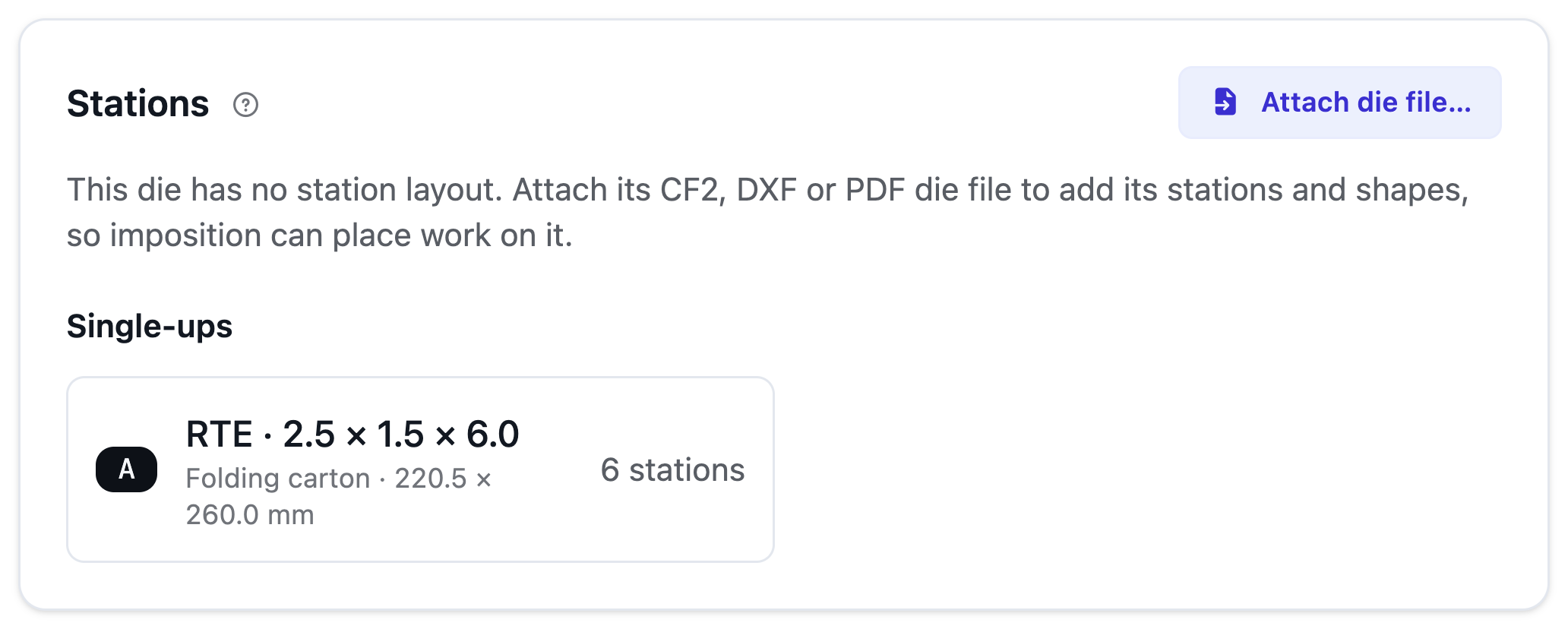
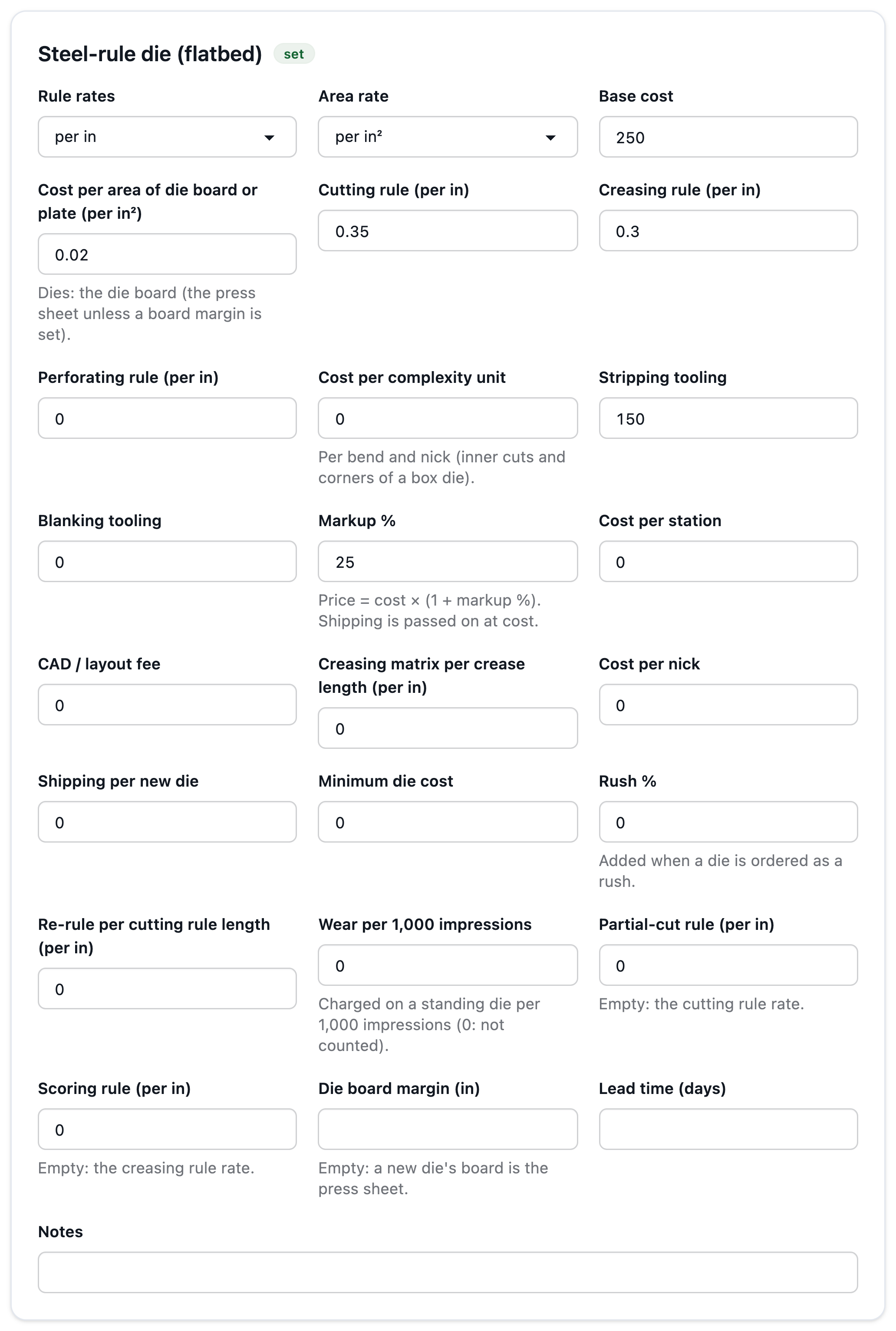
Time a real cut and the cutter's efficiency factor is suggested for you.
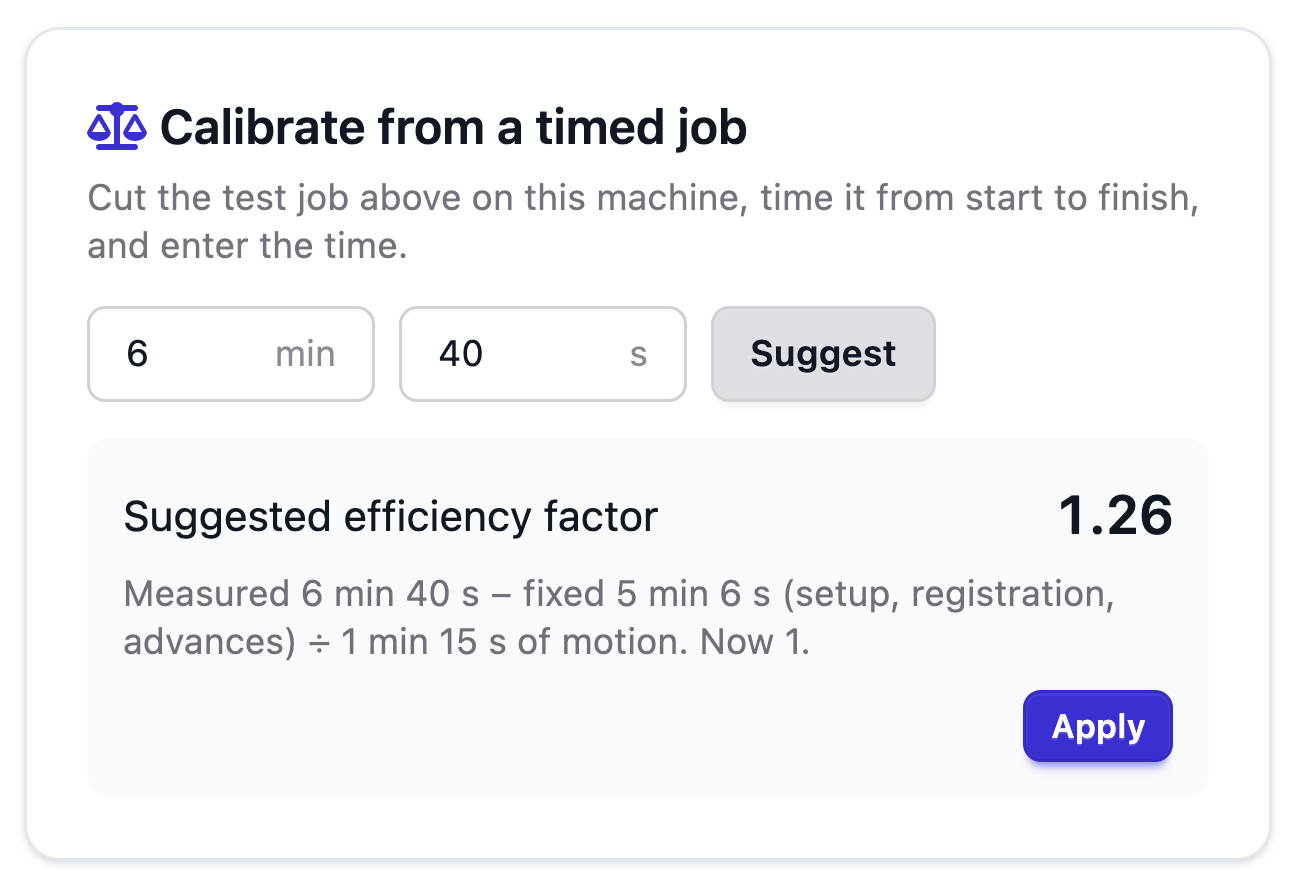
See the time before you quote it.
Read the docs: Equipment overviewPresses: sheetfed offset and digitalFinishing machinesTools and diesMatching jobs to dies
| Capability | Free | Shop | Production | Plant |
|---|---|---|---|---|
| Printer, cutter and press profiles (128), never billed per machine | Not included | Included | Included | Included |
| Finishing machines and Tools & dies with rate cards | Not included | Included | Included | Included |
No per-printer, per-cutter, per-press or per-machine fees.
FAQ
Anything else? Email hello@automateprint.com and a person who knows print will answer.
Never. Add every machine you run.
Add it by hand, or start from the closest preset and change it.
Published specs, marked as estimated until you calibrate them.
No. Rates start at zero — we never guess your prices.
Yes, once a die knows its single-up: import its die file, or use Save as tool when you order it. An exact match is used; a near match only after you confirm it for that box.
Start free, with 14 days of every Production feature. No card, and your customers review for free.
Allow Google Analytics cookies to measure visits to our public website? Your team workspace and private proofs are excluded. Essential cookies always stay on. Privacy policy