

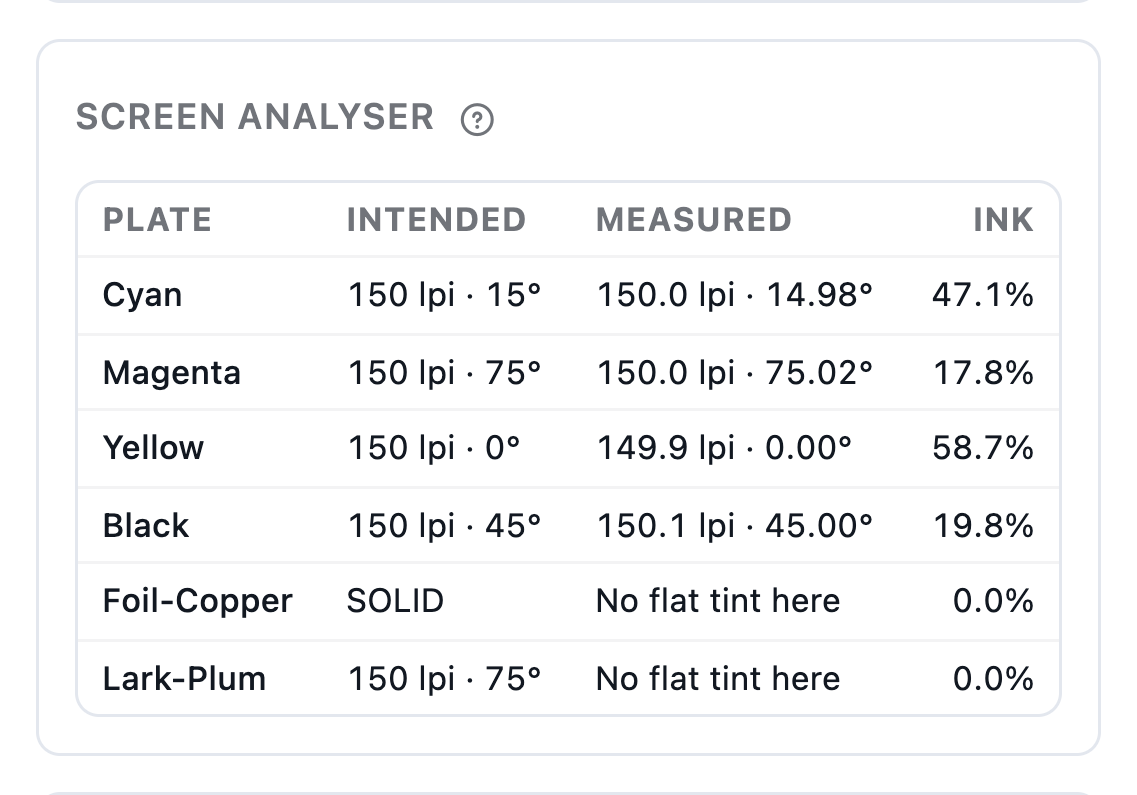
Intended and measured
The screen analyser measures each plate's ruling and angle against what you set.
Impose, mark & cut
Screen imposed sheets or single files to one 1-bit TIFF per separation. Choose AM dot shapes or FM, set the ruling and angle for every process and spot plate and apply your plate curves — then inspect the actual plate pixels, the rosette and the traps under misregistration before anything goes to plate.
From Shop
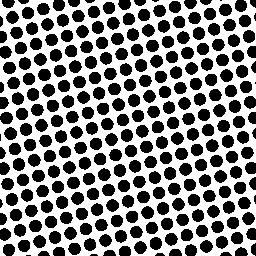 1-bit · 2,400 dpi
Output · 1-bit TIFF
Today
With AutomatePrint
Today: Plates come from a RIP licensed per device.
With AutomatePrint: 1-bit TIFFs from the same platform as the layout, at a flat price.
Today: Curves live in a spreadsheet.
With AutomatePrint: Plate curves from your measurements, versioned and frozen per job.
Today: Moiré or a trap gap shows up on the press.
With AutomatePrint: Moiré, misregistration and gaps are checked in the plate viewer first.
Upload a PDF, choose one from Files, or pick an imposition layout and its sheets.
Start from a profile, then set the resolution and each plate's dot, ruling, angle and curve.
Check the plates in the viewer, then download one 1-bit TIFF per separation, named for your TIFF catcher.
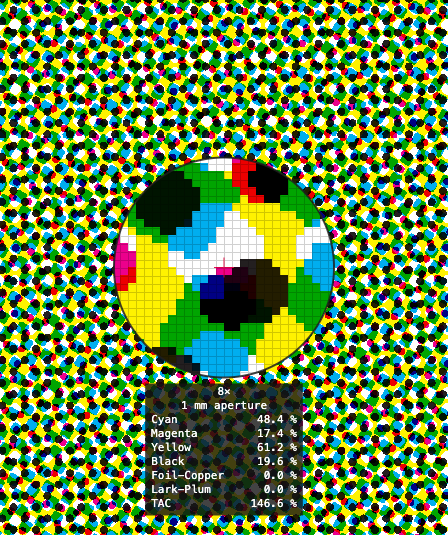
Fit the sheet or zoom to single device pixels: a loupe with the pixel grid, a densitometer, a ruler that snaps to device pixels, and a moiré check on the true composite.
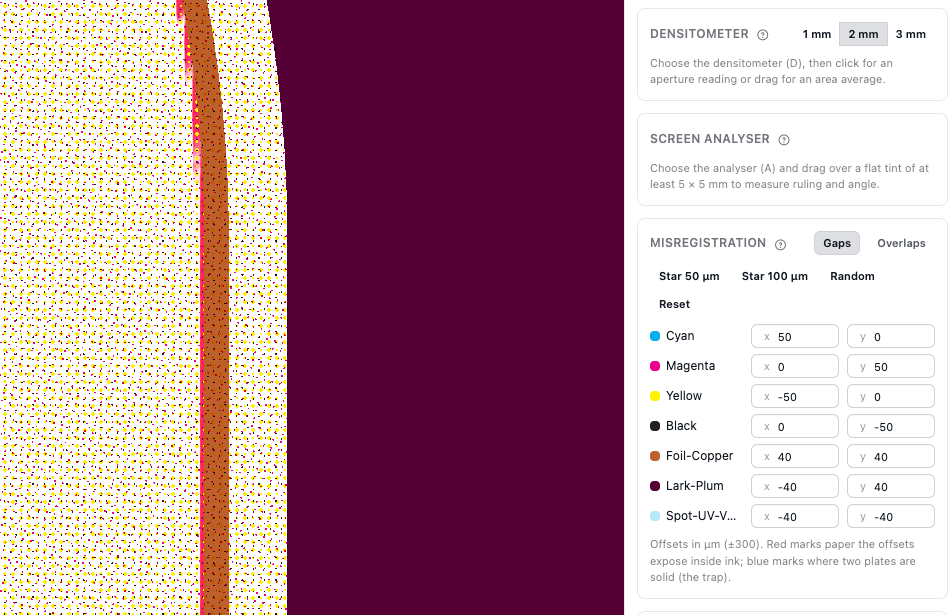
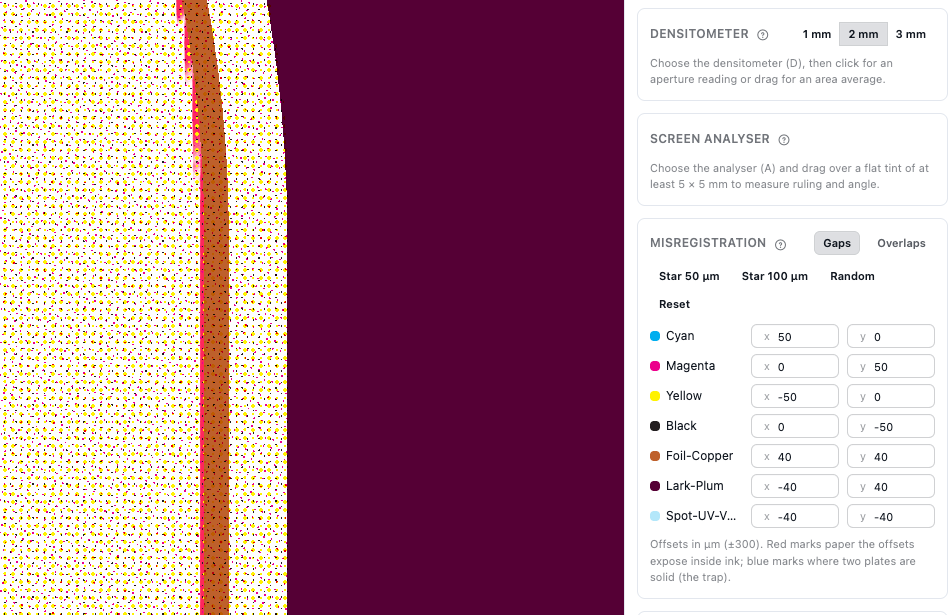
Shift every plate in a star pattern and the viewer marks each gap in red. Screen the same carton with the 1-up editor's trap layer switched off, then printed, and compare.
The screen analyser measures each plate's ruling and angle against what you set.
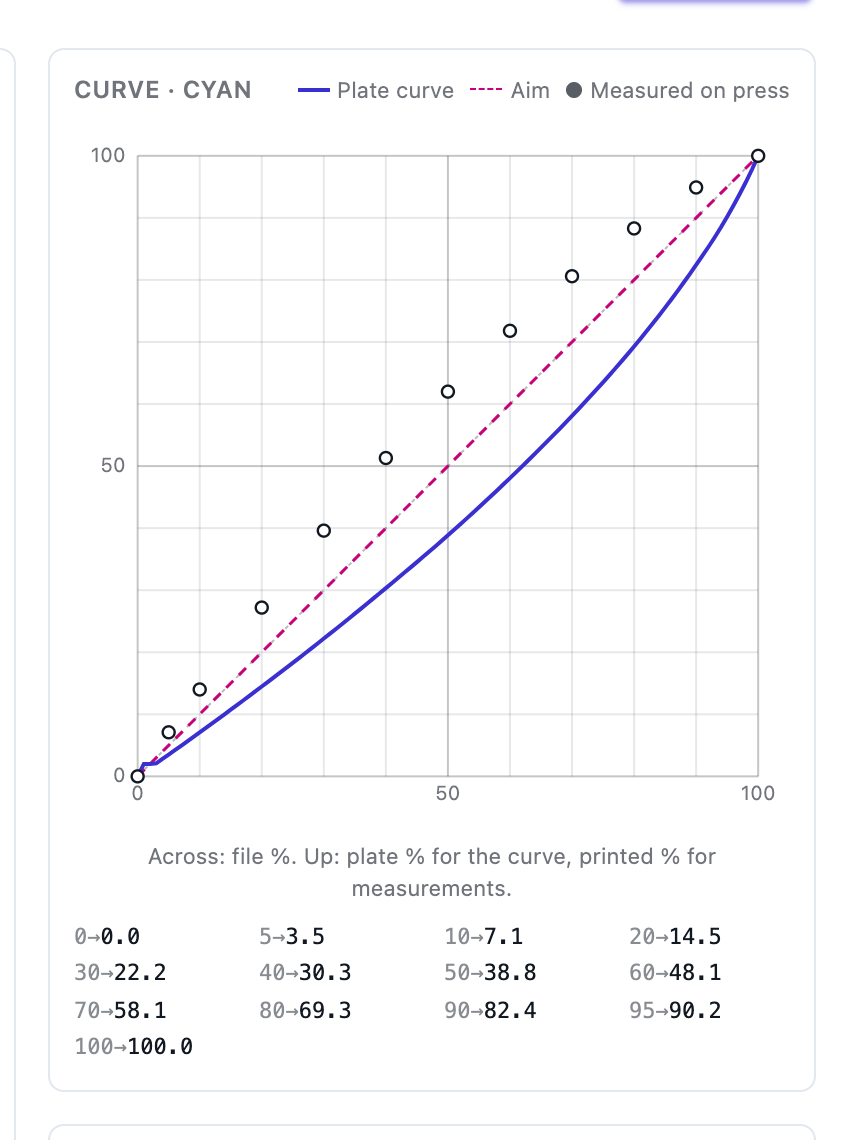
Paste or import measurements, set a minimum dot, and hold a bump for flexo.
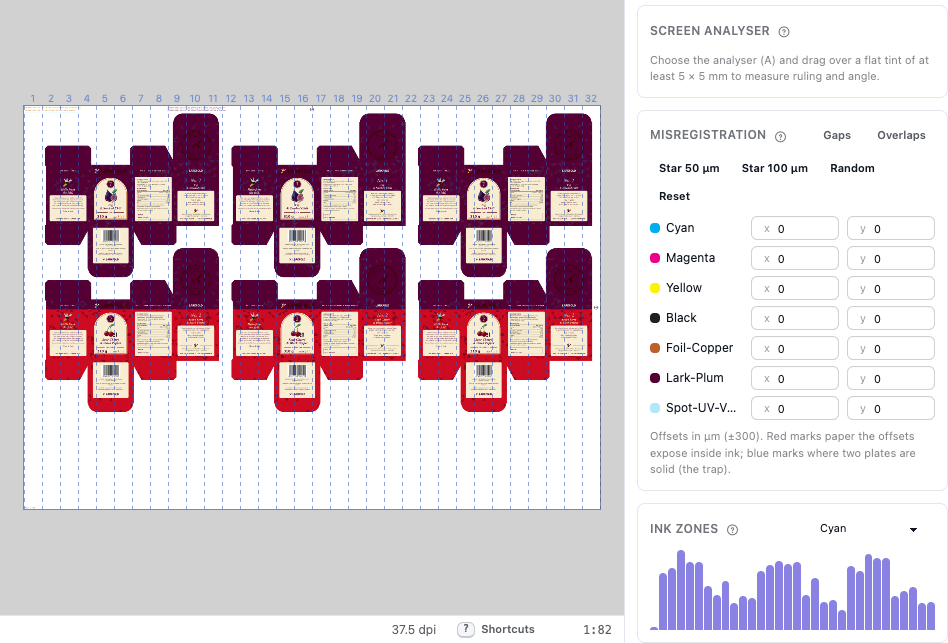
Coverage zone by zone across the sheet, for the press's ink keys.
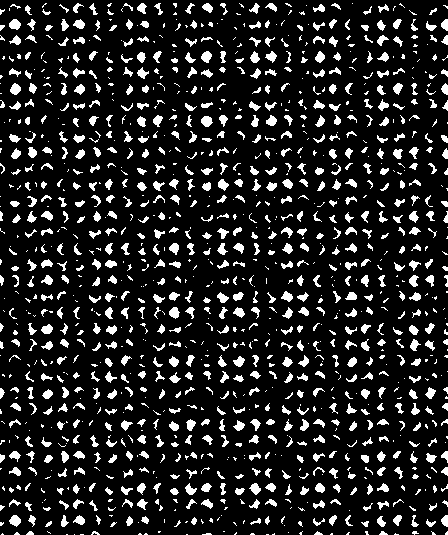
The plates shown in black, as they would be on film.
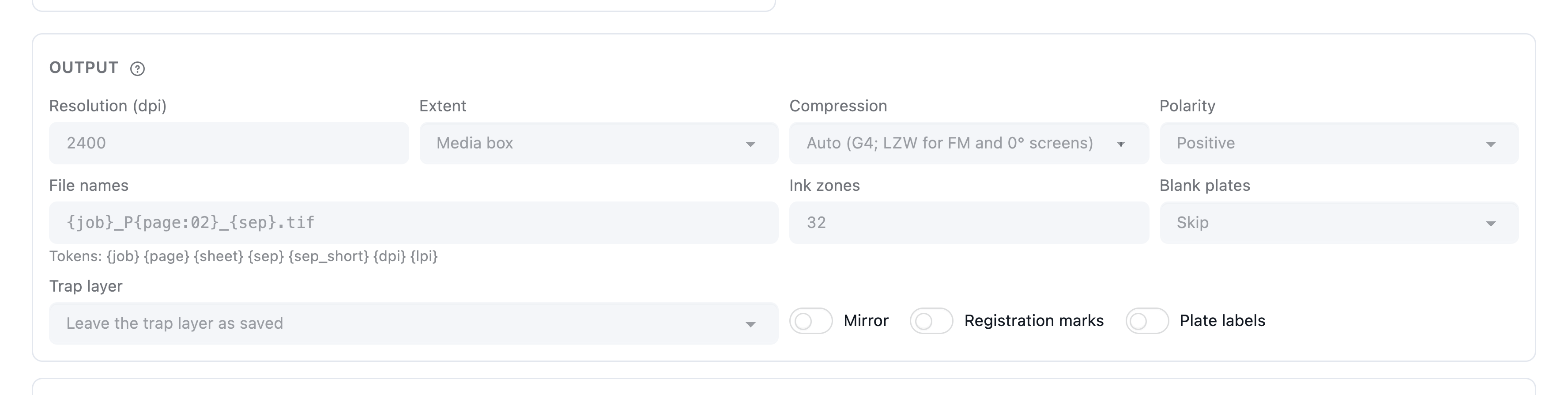
File names built for your TIFF catcher or hot folder, G4 or LZW compression, plate labels and registration marks, mirror and negative.
Read the docs: How screening worksThe plate viewerPlate curves
| Capability | Free | Shop | Production | Plant |
|---|---|---|---|---|
| Screening & 1-bit TIFF output with plate curves | Not included | Add-on $149 | Included | Included |
Included in Production and Plant; a flat $149 a month on Shop — no per-plate, per-m² or per-device charges.
FAQ
Anything else? Email hello@automateprint.com and a person who knows print will answer.
Screening writes one 1-bit TIFF per separation with AM or FM screens, per-plate angles and curves — the format TIFF catchers and platesetters accept. Keep your RIP for anything it does that we don't; many shops run both.
Any that takes 1-bit TIFFs through a TIFF catcher or hot folder, with file names you template.
Yes: CSV, TSV or CGATS.17 measurements.
It depends on the sheet and the resolution: a label is quicker than a full press sheet at platesetter resolution. Jobs run in the background, so you can close the page and come back.
Screening is flat: no per-plate, per-m² or per-device charges. Fair-use guides aren't hard stops, and we'll talk to you before anything changes.
Start free, with 14 days of every Production feature. No card, and your customers review for free.
Allow Google Analytics cookies to measure visits to our public website? Your team workspace and private proofs are excluded. Essential cookies always stay on. Privacy policy